Ask about your bikes the way you would ask your mechanic
Connect Componentry to Claude and your bike records come into the conversation. Ask what needs doing before the weekend, how worn a part is, or when it was last serviced, and the answer comes from your own data, not a guess.
Start your 2-month free trial. No credit card required.
One question · Sunday bike
Example bike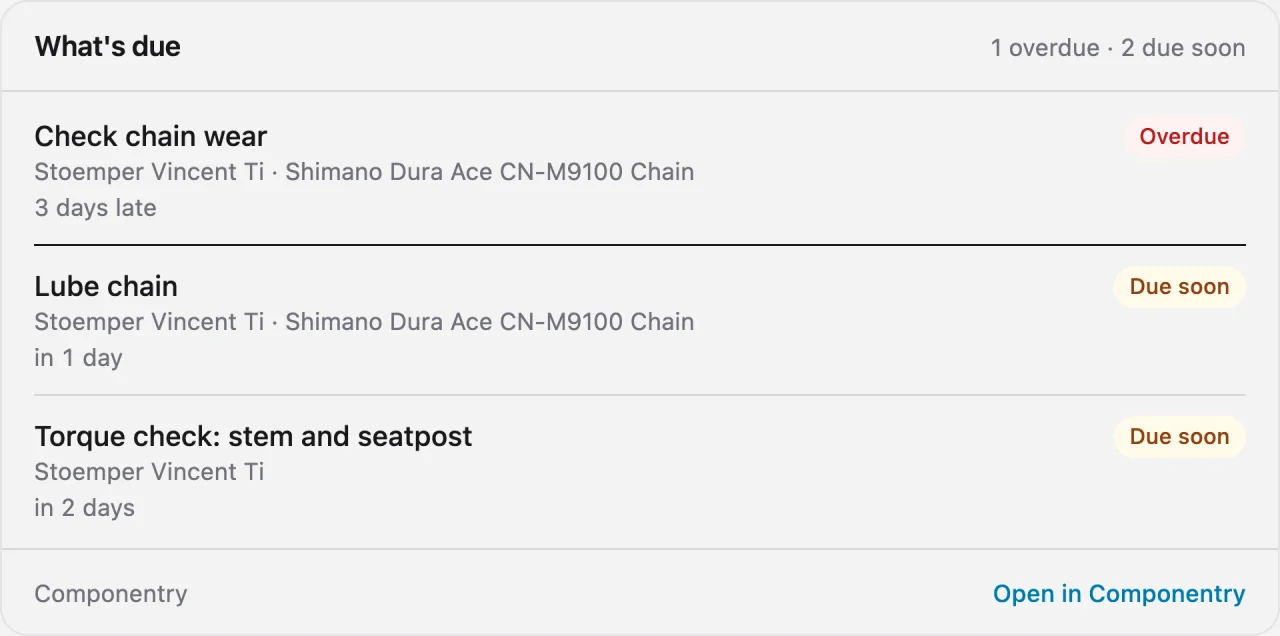
What needs doing, without opening the app
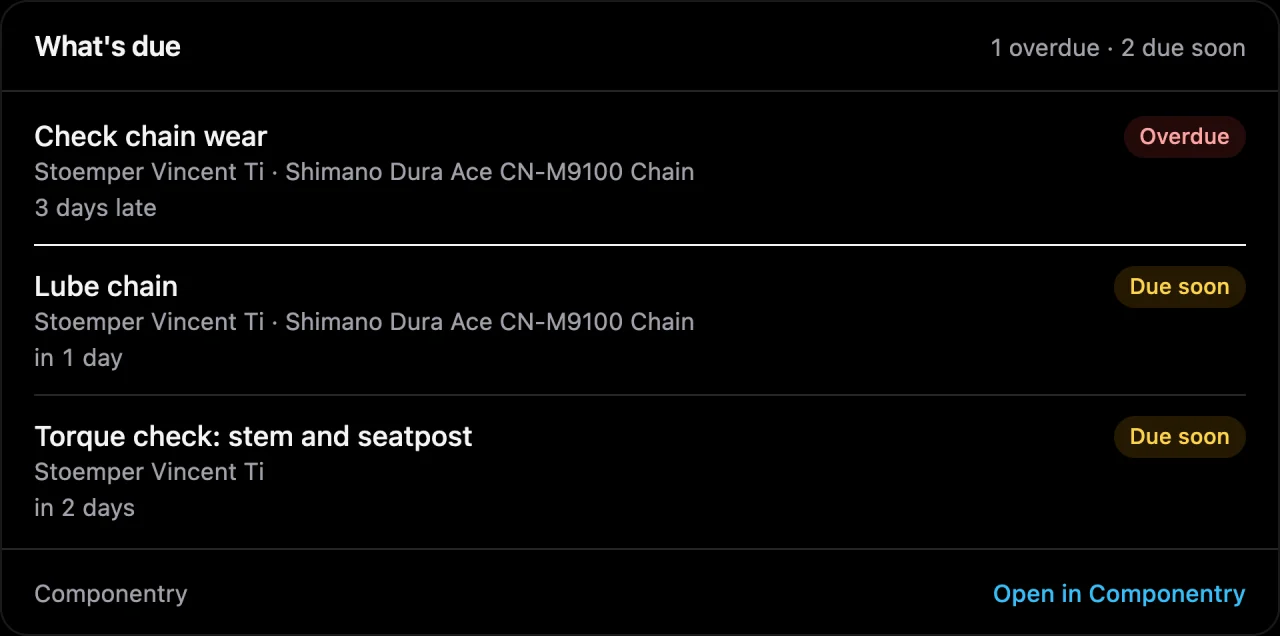
Ask what needs attention and the assistant checks every reminder on every bike. It answers with what is overdue, what is due soon and what is coming up, in the same order Componentry uses, and shows a card you can scan in a second.
One question, every bike
No need to say which bike. Ask about the week ahead and it looks across all of them, or name one to narrow it down.
The same urgency you already trust
Overdue, Due soon and Coming up mean exactly what they mean in the app, because the assistant asks Componentry instead of working it out itself.
Distance, time, hours and ride count
A reminder that runs on distance shows how far is left. One that runs on time shows the days. One that counts rides shows how many remain.
Good to know. The assistant reads your reminders. Marking one as done still happens in Componentry.
How worn is it? Ask.
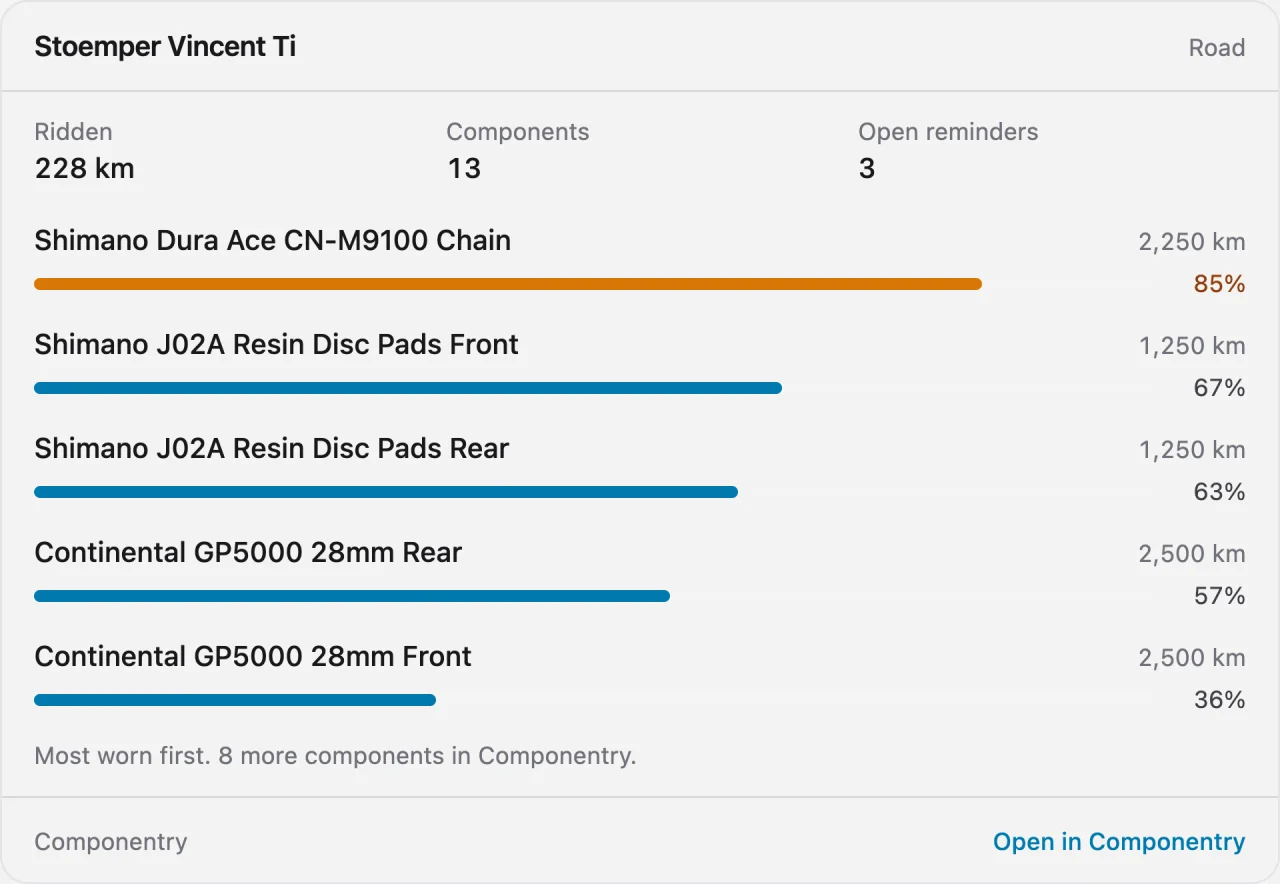
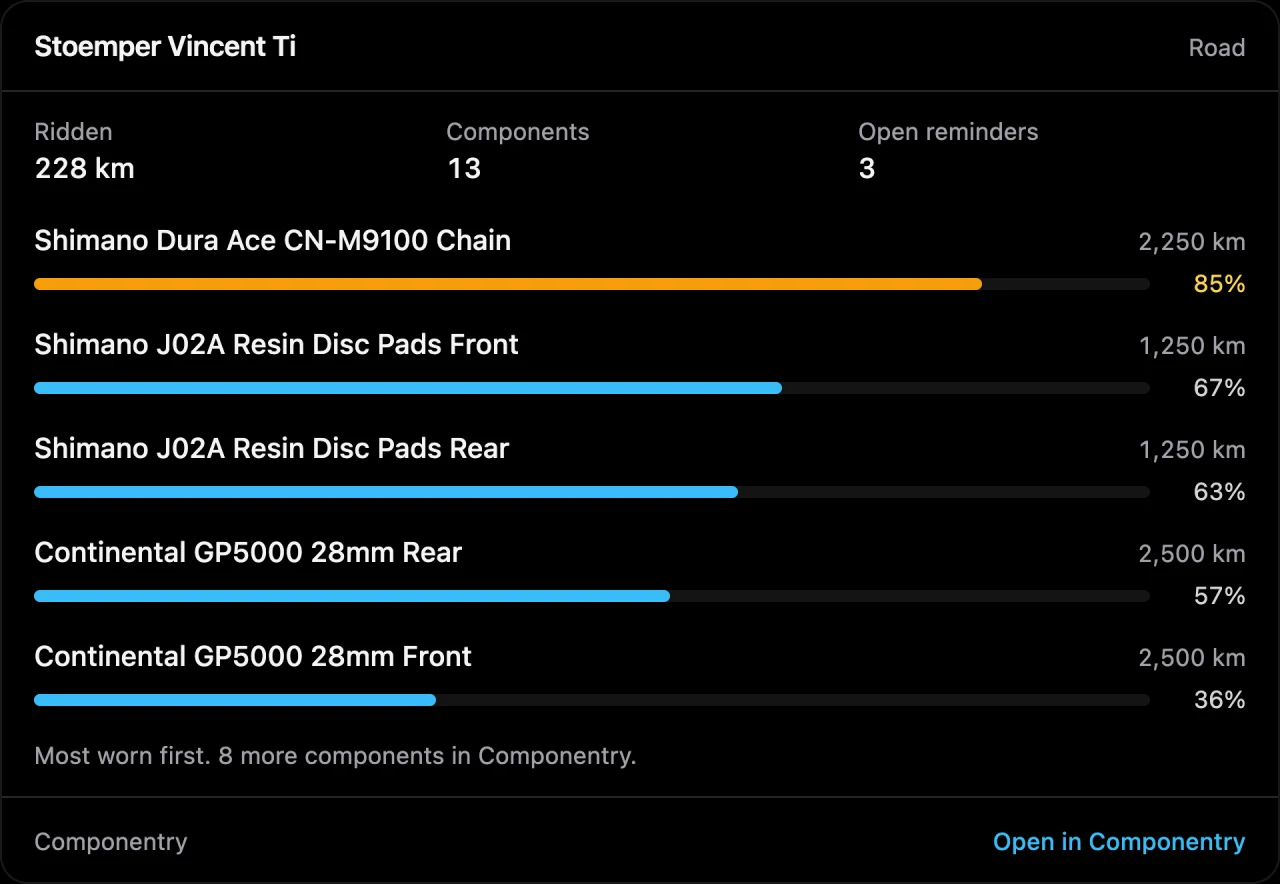
Name a bike and get the wear on its components, most worn first, with a bar for each. Ask about one part and the assistant goes deeper: how far it has been ridden, how long it has been fitted, and its expected life.
Use the names you use
"The gravel bike", "my race wheels", "the rear tire". The assistant matches what you say to what is in your account.
Follow-up questions work
Ask about the bike, then "what about the cassette?" It keeps the thread, like a conversation should.
In your units
Distances appear in the unit you chose in Componentry, so the numbers match the app.
Good to know. The card shows the five most worn parts so it stays readable in a chat. The assistant can still tell you about any part on the bike.
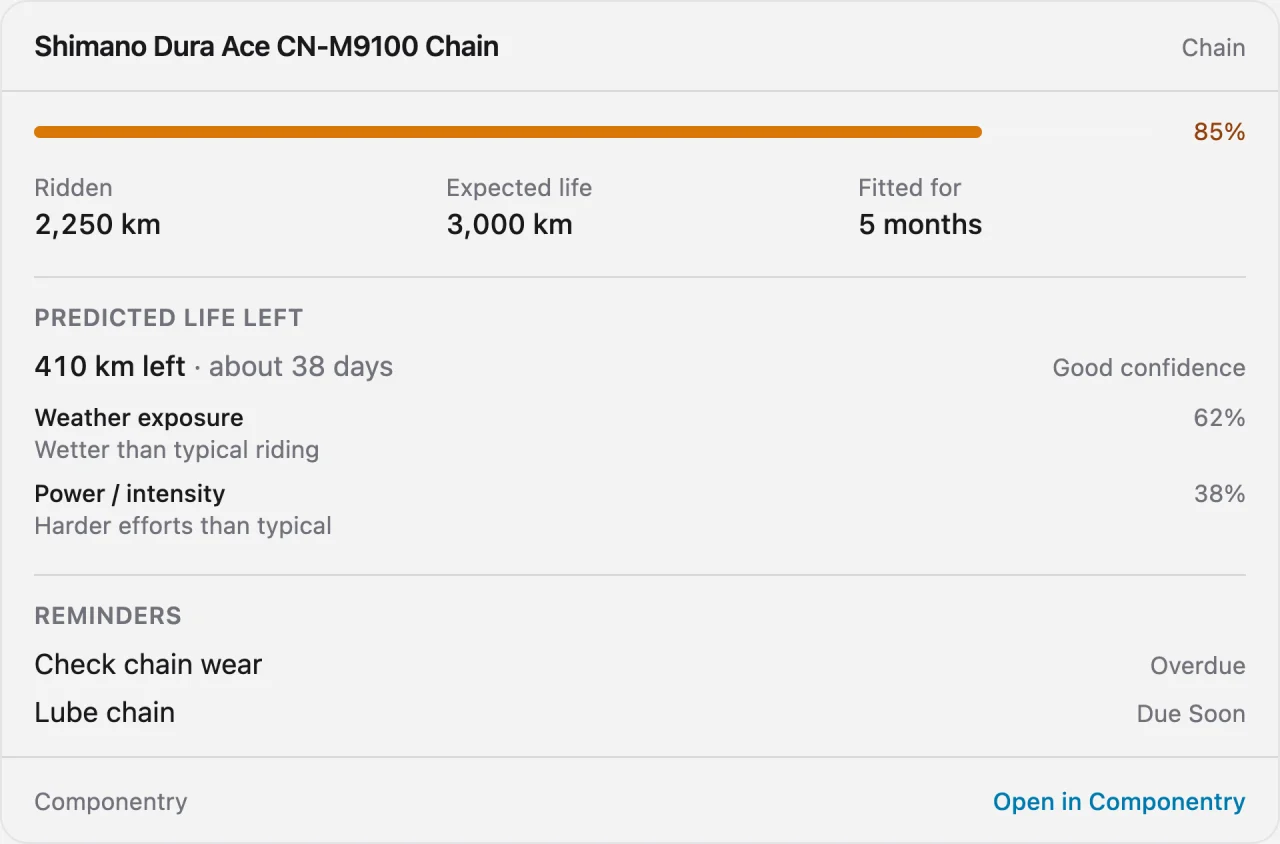
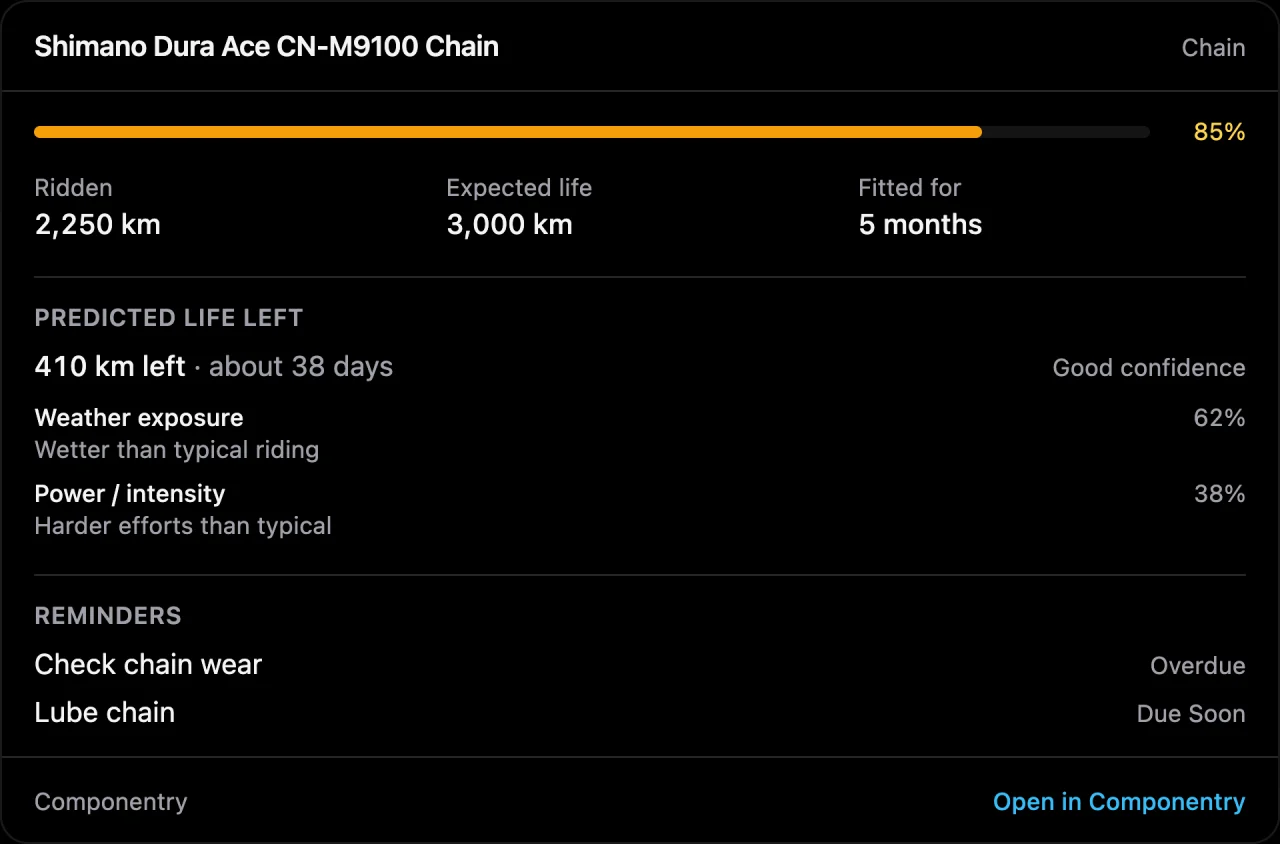
When will I need a new chain?
Componentry's predictive modelling estimates how long each part has left from how you actually ride. Ask, and the assistant gives you the prediction, how confident Componentry is in it, and what is wearing the part fastest, whether that is wet weather, hard efforts, climbing or sheer distance.
Plan parts before an event
Tell it the date and ask what to order. It lines up predicted life against your calendar.
See why, not just when
Each prediction comes with its biggest wear drivers and how your riding compares to typical.
Honest about confidence
An early estimate is labeled as one. The assistant passes that on instead of sounding surer than the data.
Good to know. Predictions appear once Componentry has enough of your rides to learn from. Until then the assistant says so instead of estimating.
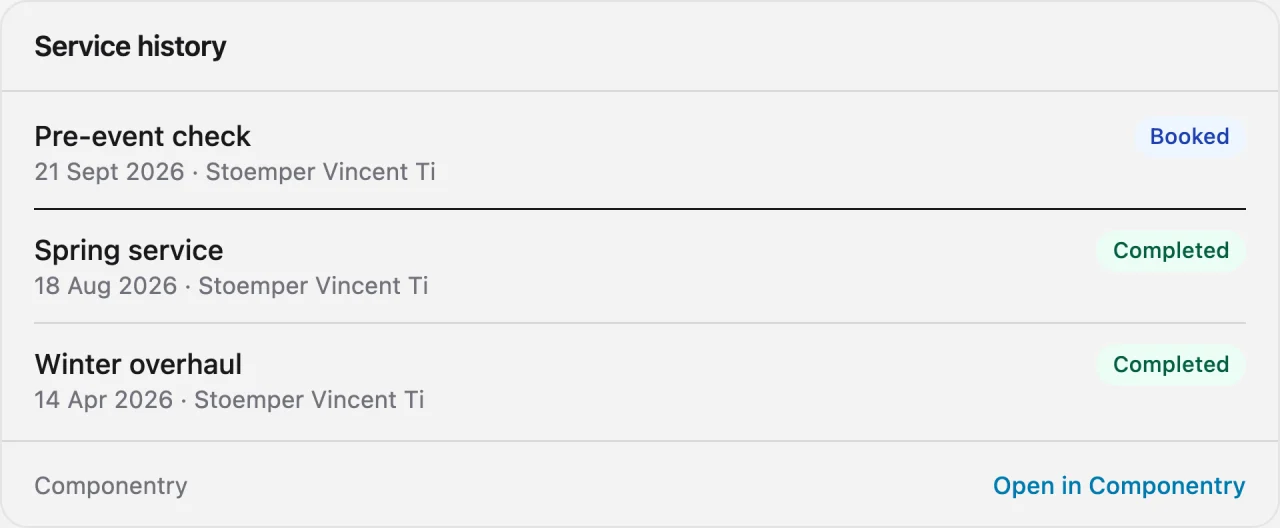
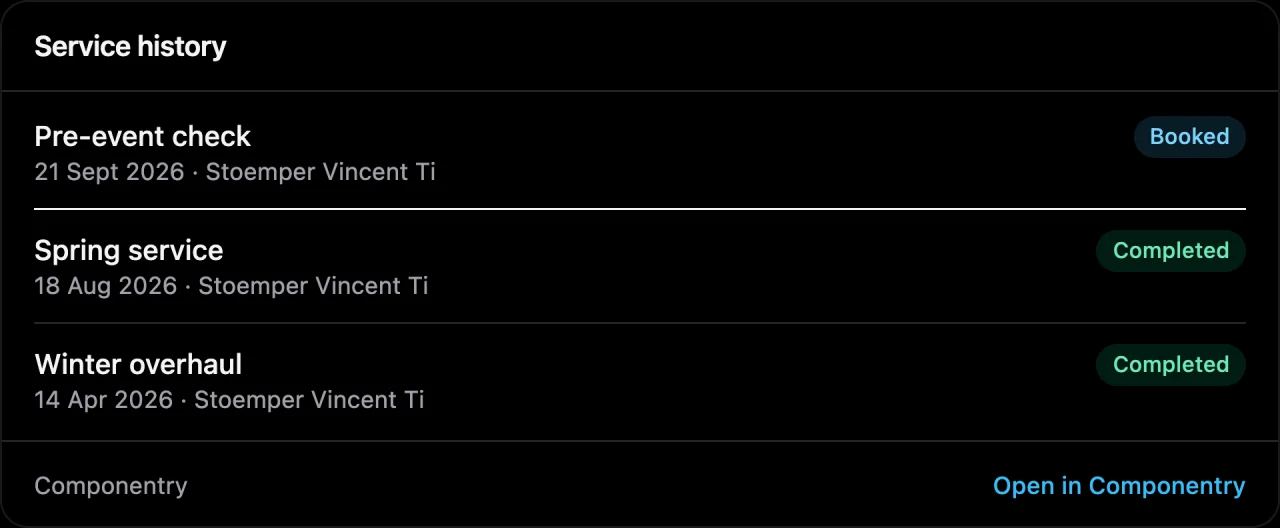
What was done, and when
Ask when a bike was last serviced and the assistant finds it: what was replaced, the notes left against each part, and the reminders that service completed. Planned and booked services are there too, and so are your recent rides.
Services and quick checks together
Workshop services and your own maintenance checks appear on one timeline, newest first.
Parts swapped, paired up
Each replacement shows what came off and what went on, so "when did I last change the chain?" has an exact answer.
Recent rides on call
Distance, climbing, time and which bike, for the last few rides or the last few weeks.
Good to know. Receipts, documents and photos attached to a service stay in Componentry. The assistant cannot open them.
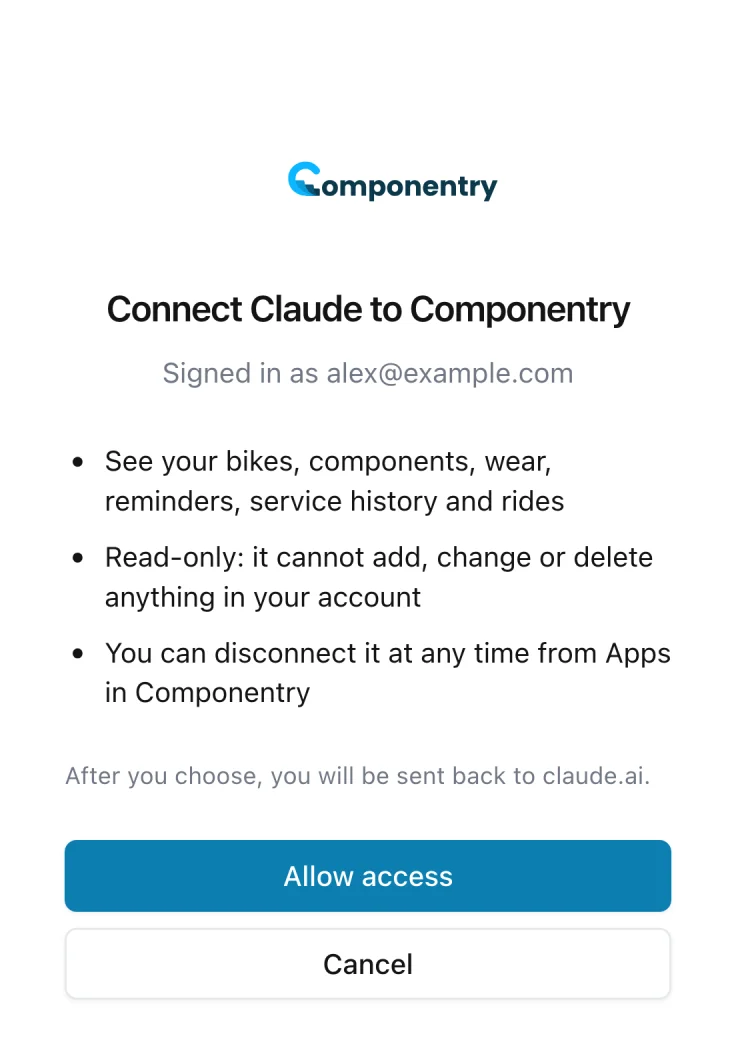
You decide what is connected
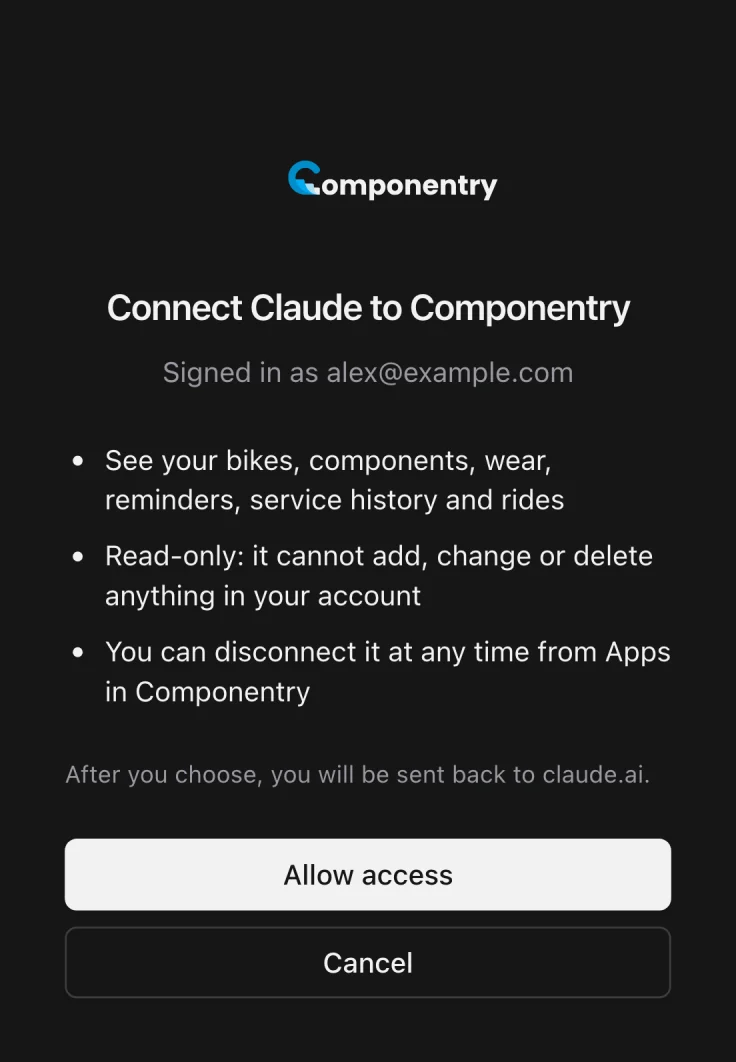
An assistant can only reach your account after you sign in to Componentry and approve it. It is limited to your bikes, parts, reminders, services and rides, it shows you anything it is about to save before saving it, and you can end the connection whenever you like.
Nothing saved without your say-so
When you ask, it can add or edit bikes and components, log a service, and add or tick off reminders, after showing you what it will save. It cannot delete anything, and it cannot see payment details, documents, photos, where you rode, or your Strava, Garmin, Wahoo and Hammerhead connections.
Approved by you, on Componentry
You sign in on Componentry, with two-step verification if you use it. Your password is never shared with the assistant.
Disconnect from either side
Remove it in Componentry under Apps, or in the assistant's own settings. It can no longer sign in, and any access it holds ends within the hour.
Good to know. What the assistant reads becomes part of your conversation with it and is then covered by that provider's privacy policy. Componentry never receives your conversations.
More of what Componentry does
All features- PredictionsReplacement dates and chain watts modelled from how you ride.
- IntegrationsStrava, Garmin, Wahoo, and Hammerhead. Connect once, track forever.
- Service historyLogs, checks, receipts, and a record for every replaced part.
- RemindersDistance, time, hours ridden, or ride count. Sorted by how urgent they are.
- BikesEvery bike's record: setups, purchase, insurance, fit, and odometer.
Questions riders ask
Which AI assistants can I connect to Componentry?
What can a connected AI assistant see in my account?
Does connecting an AI assistant cost extra?
Your bikes, one question away
Track your parts in Componentry. Ask about them wherever you already are.
Start your 2-month free trial. No credit card required.