Reminders that count your riding, not the calendar
A chain does not care what month it is, and a fork counts hours, not kilometres. Componentry reminders run on distance, time, hours of riding, or number of rides, in any combination, and sort themselves by urgency so the thing to do next is at the top.
Start your 2-month free trial. No credit card required.
Reminders · Sunday bike
Example bike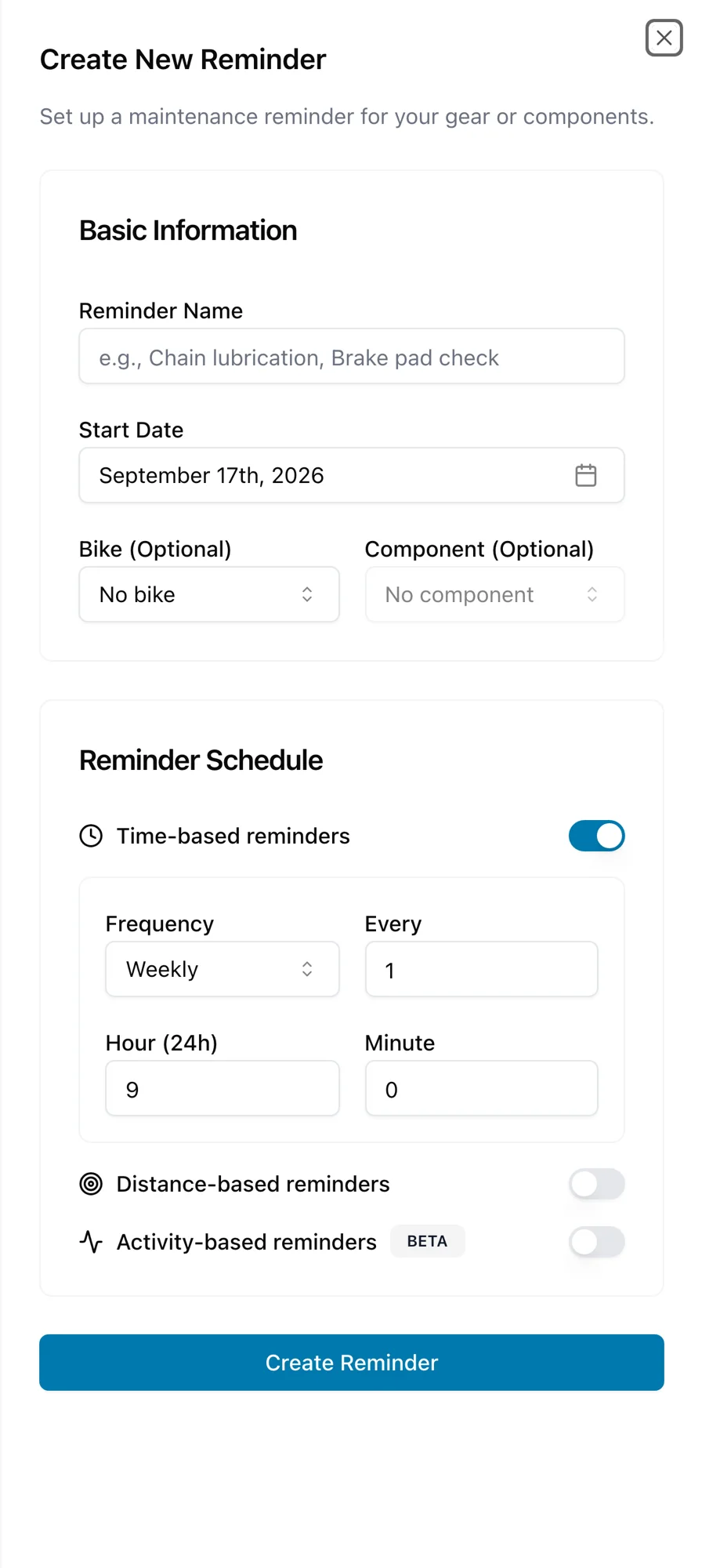
Distance, time, hours, or rides
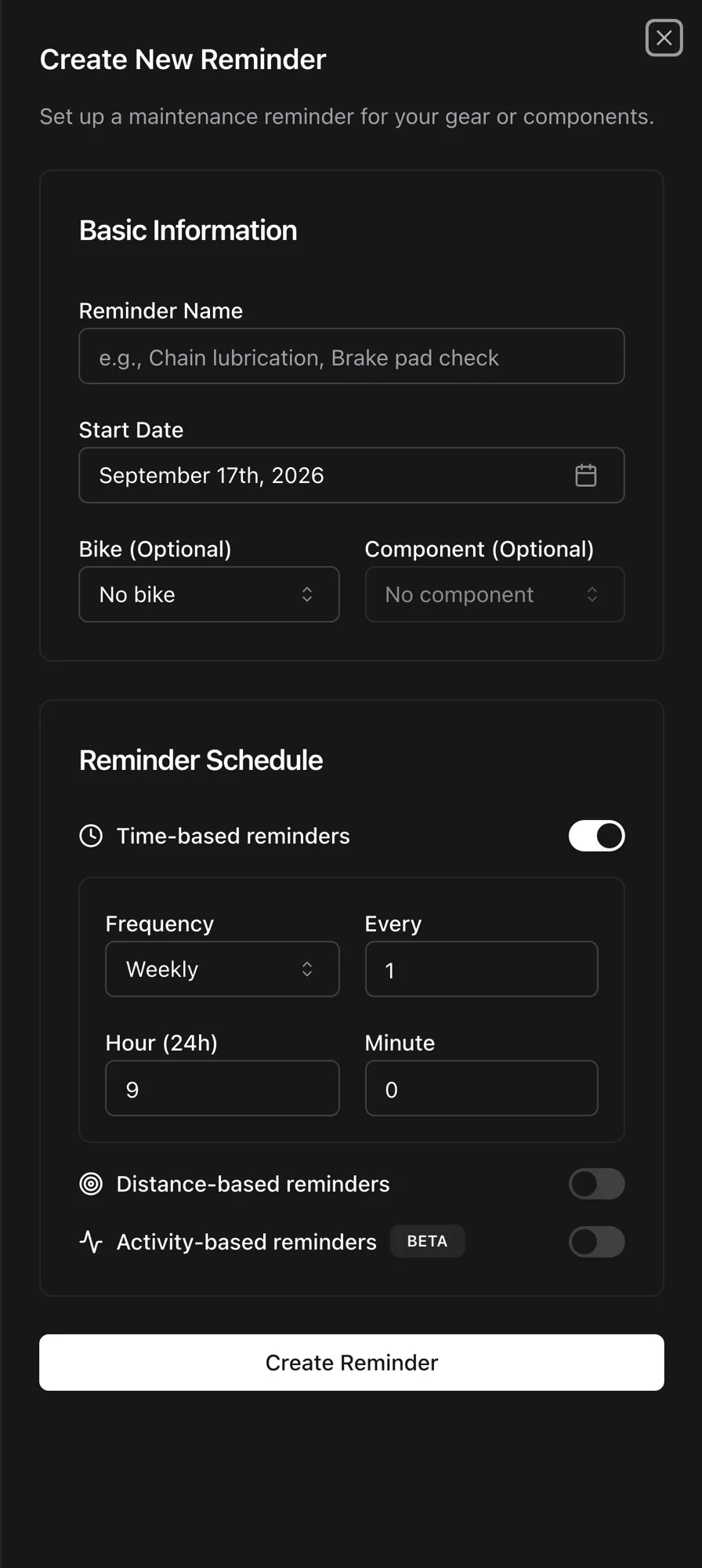
Set a reminder on distance for a chain, on time for hydraulic fluid, on hours of riding for a suspension fork, on ride count for a lube schedule, or on any combination. Whichever trigger comes first is the one that fires.
Combine triggers
Every 300 rides or every 6 months, whichever comes first. One reminder, two clocks.
Repeating from completion
Repeating reminders count from the day you complete them, and distance reminders roll forward from that odometer reading.
Created for you
Set up a bike from a template and the standard reminders are created with it. Add a derailleur cage and its pulley and bearing reminders come along.
Good to know. Ride-count reminders count completed rides on the bike. Distance reminders use the bike's true odometer, including history from before Componentry. Duration reminders count the moving time of the rides Componentry has.
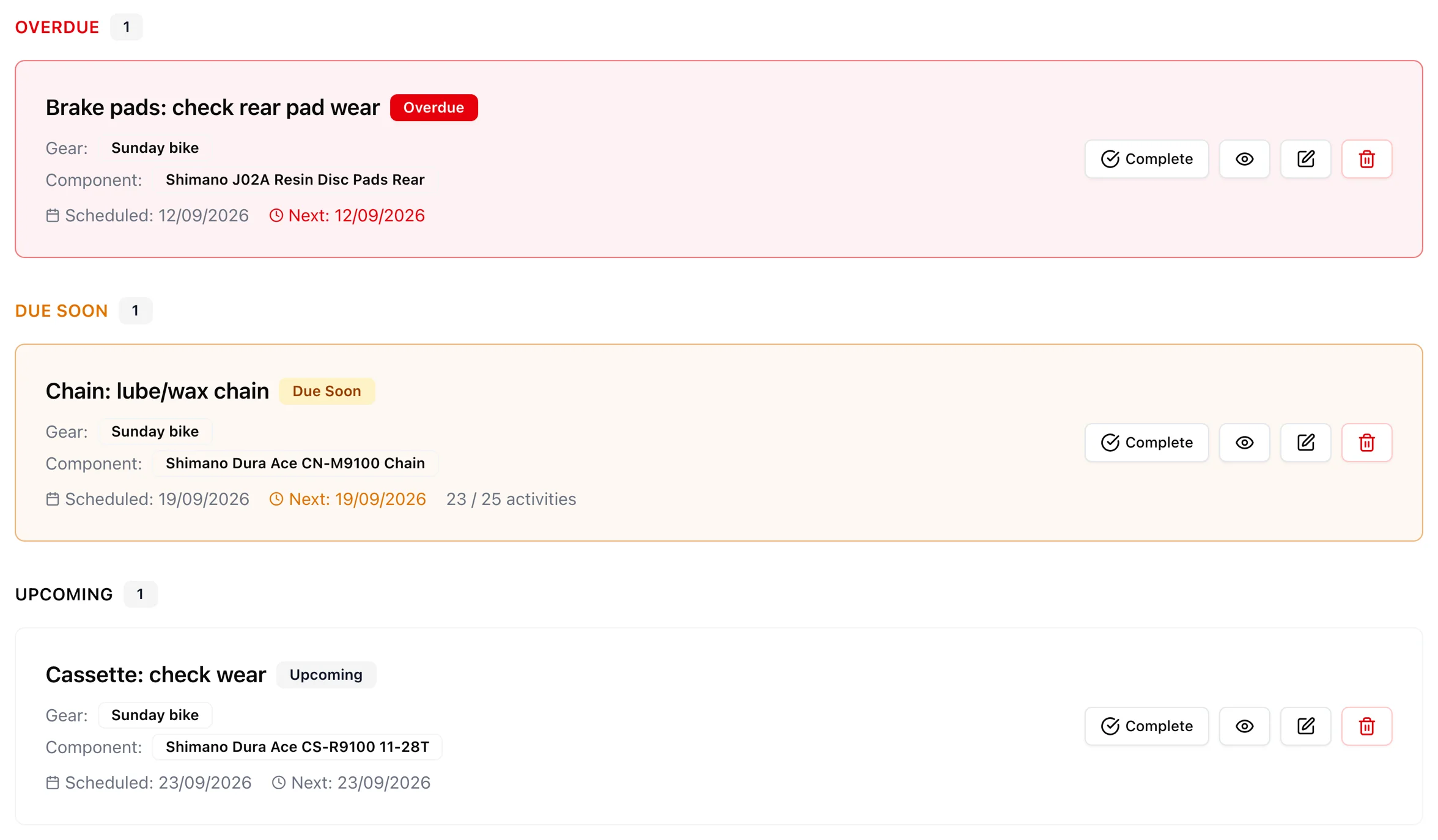
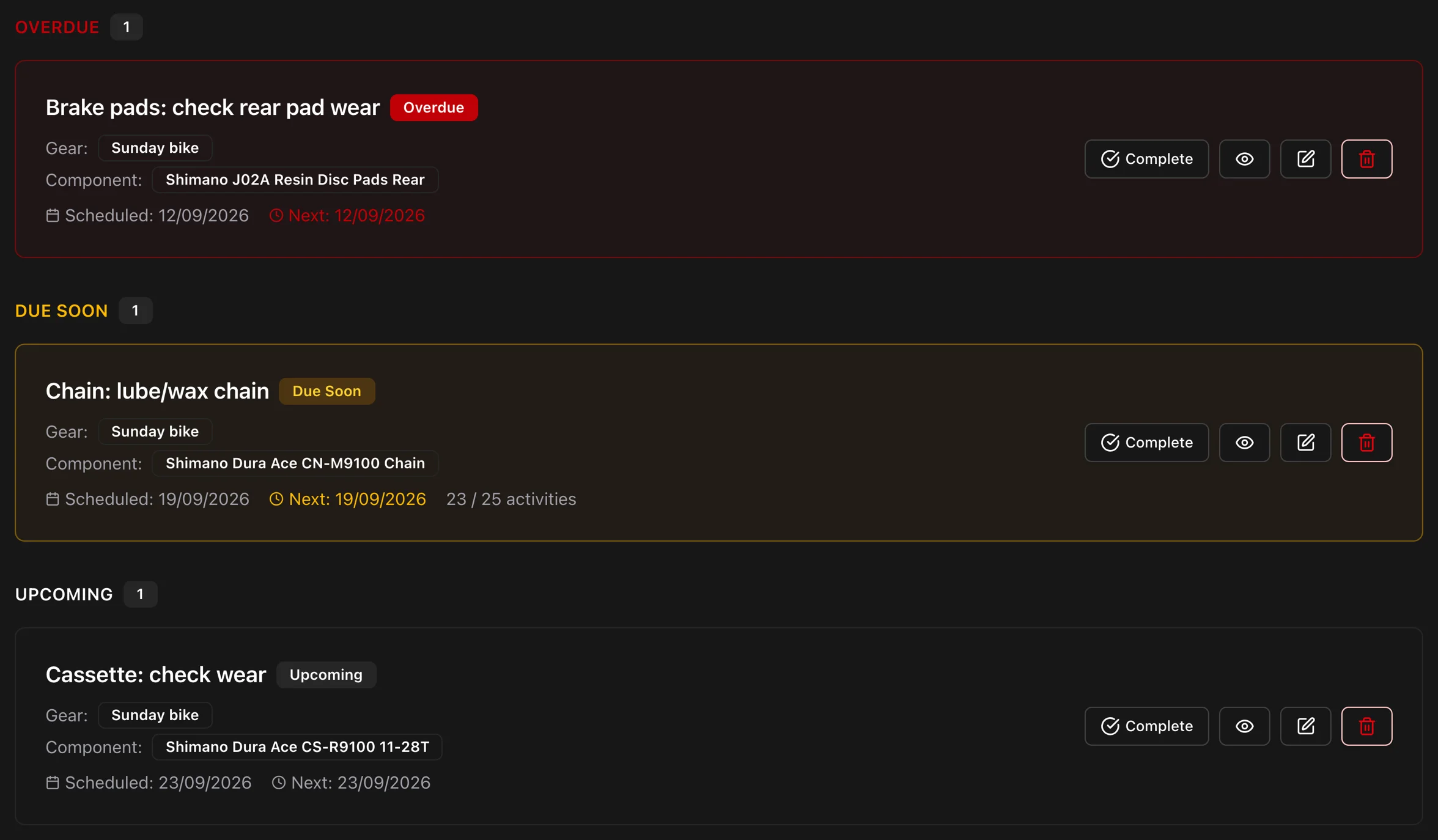
One ladder: Overdue, Due soon, Upcoming, Scheduled
Every reminder, on every bike, sits in one ledger sorted by urgency. The dashboard shows the same order, so the first thing you see is the first thing to do.
Four states, one order
Overdue, Due soon, Upcoming, and Scheduled are the whole vocabulary. Nothing is hidden in a tab.
Urgent ones on the component
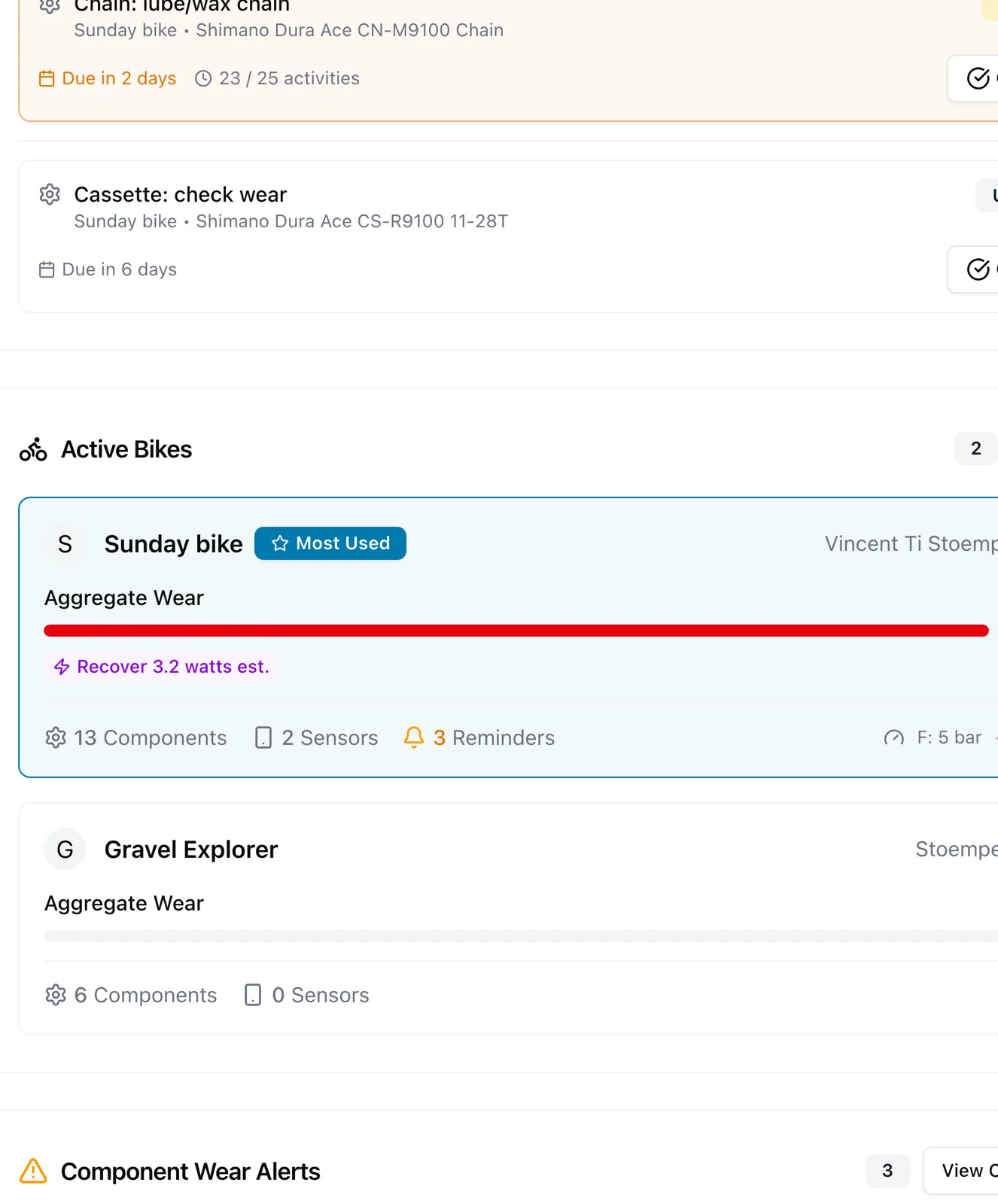
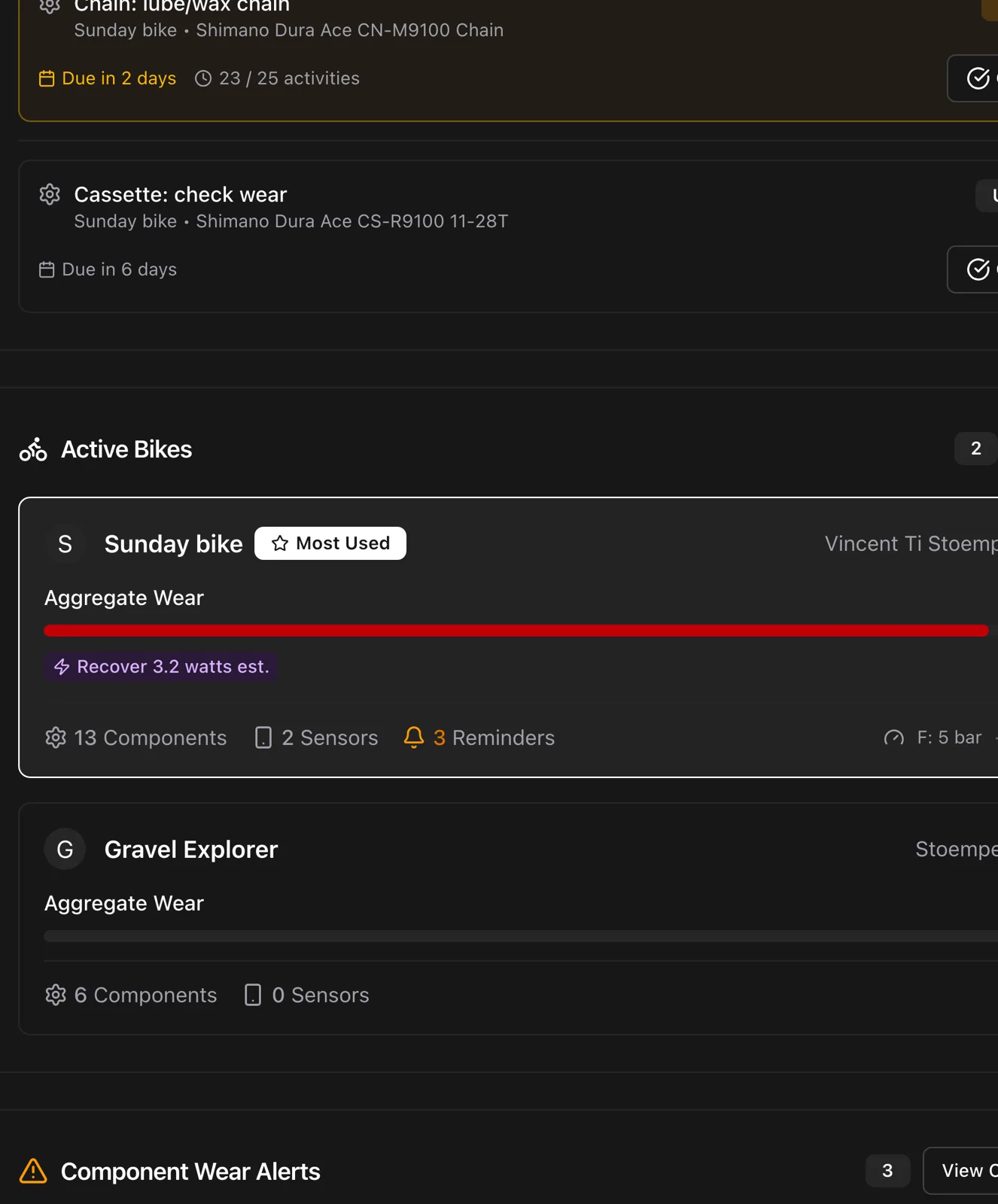
Open a bike and each component shows its reminder count, with the urgent ones written out inline.
Swipe to complete
In the app, swipe a reminder to complete it, with undo if your thumb was faster than your brain.
Good to know. Each trigger carries its own colour on the reminder so you can tell a distance reminder from an hours or ride-count one at a glance. Paused reminders are kept quiet.
Told before it fails
Wear alerts do not need setting up. As a component approaches the end of its life, Componentry notifies you, with enough lead to order the part and book the work.
Before a worn chain eats a cassette
A chain replaced at the right interval protects the cassette behind it. The alert arrives while that is still true.
Push, email, or both
Choose where notifications reach you. The app and the web show the same list.
Predictions feed alerts
When a predicted replace-by date is the strongest signal, the alert uses it.
Good to know. Alerts follow the wear ladder: Fair, Worn, and Replace each move a component up the list.
Batteries and paperwork, too
Reminders are not only about wear. Componentry reads the battery levels your bike computer reports for electronic shifting, power meters, and sensors, and creates a renewal reminder from your insurance policy.
Reported battery levels
Green, amber, red, or unknown for every electronic component, on the dashboard and on each ride.
Battery-aware notifications
A low battery on the bike you are about to ride gets a notification. A full one does not.
Insurance renewal, automatically
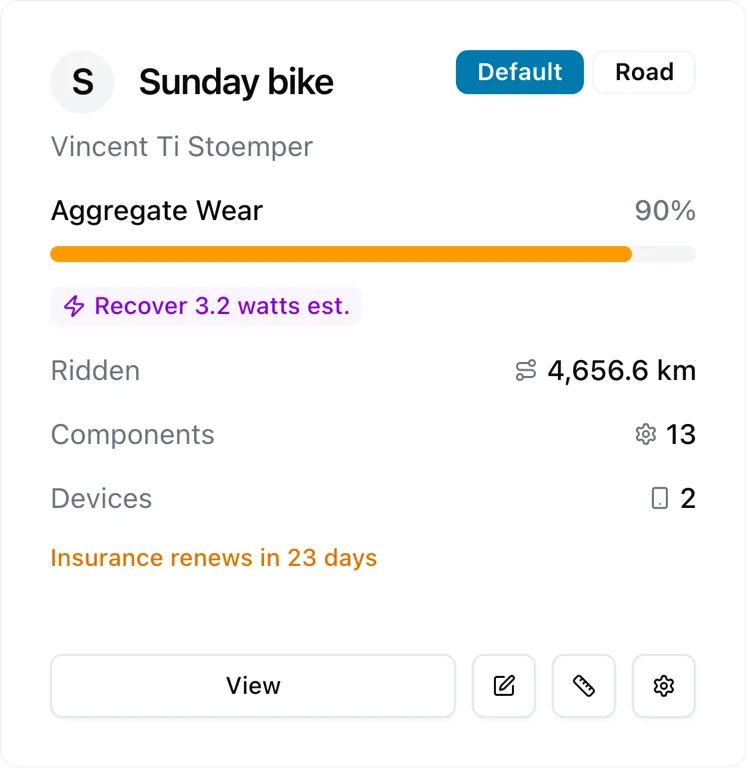
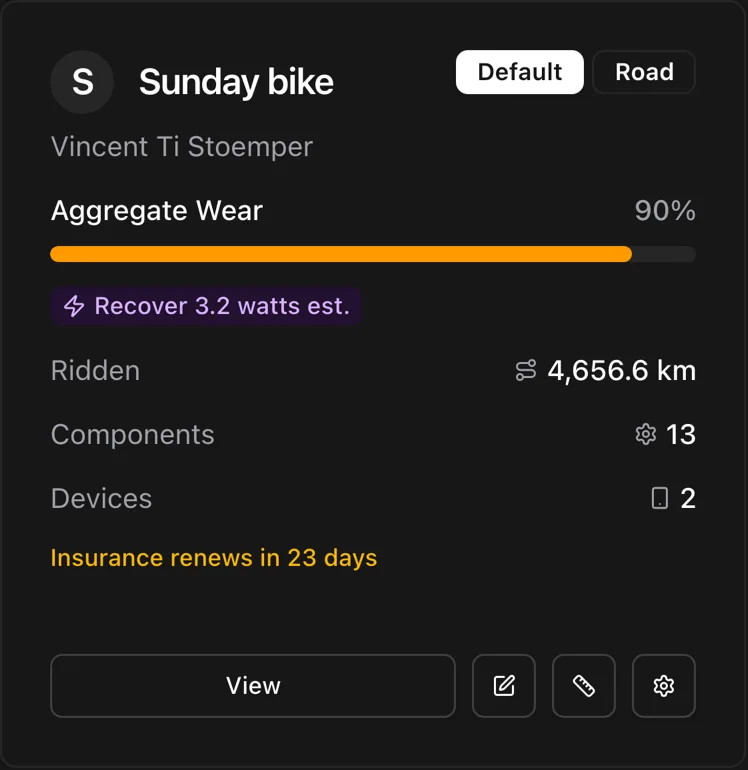
Add a policy to a bike and an annual reminder is created from its renewal date. The card turns amber in the window and red once it lapses.
Good to know. Battery levels come from the ride, so they update every time you ride with the device. The insurance reminder fires 7 to 60 days before renewal, your choice, at 09:00 in your timezone.
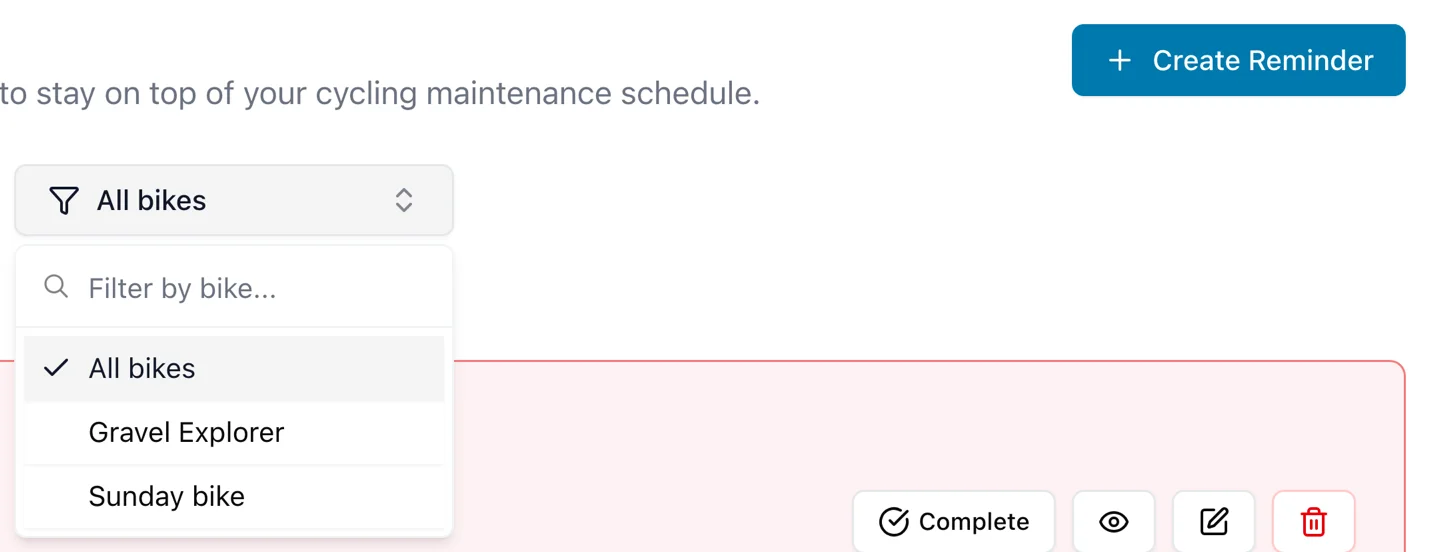
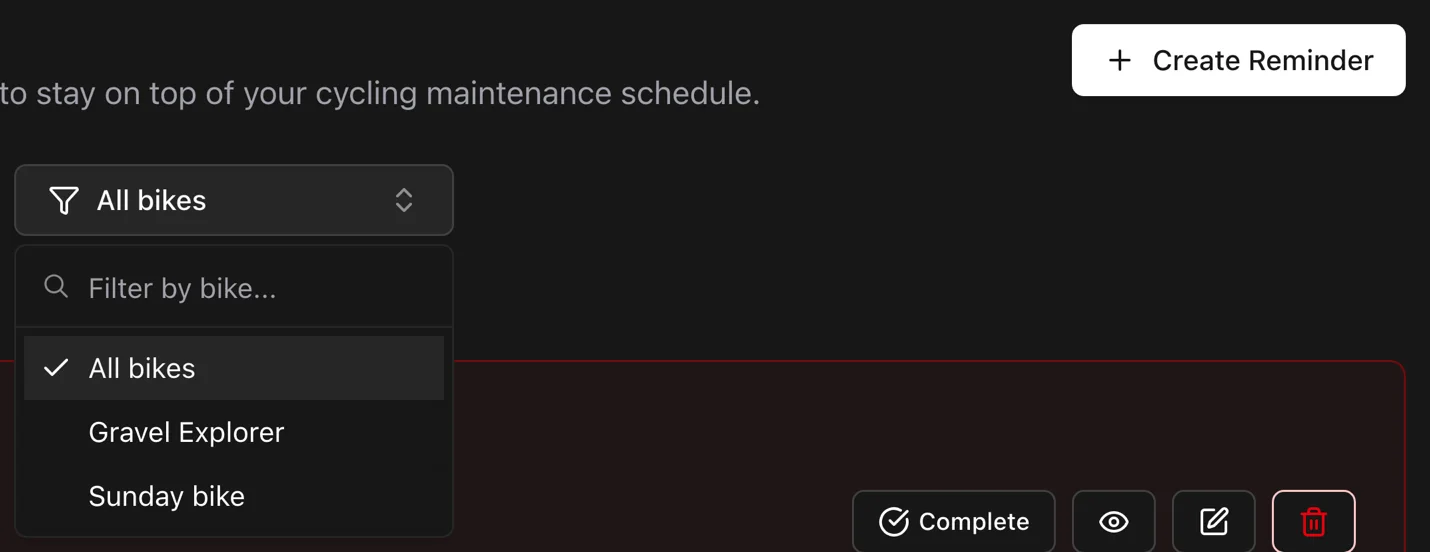
Every bike, or just this one
With several bikes the ledger gets long. Filter the reminders page to one bike, or look at the whole stable when you are planning a weekend in the workshop.
Bike filter
One tap to see only the bike in front of you.
Reminders move with parts
Swap a wheelset to another bike and its reminders follow.
Pause without losing the schedule
Take the winter tyres off and pause their reminders. They resume where they left off.
Good to know. Reminders belong to components, so a part moved between bikes takes its reminders with it.
More of what Componentry does
All features- PredictionsReplacement dates and chain watts modelled from how you ride.
- IntegrationsStrava, Garmin, Wahoo, and Hammerhead. Connect once, track forever.
- Service historyLogs, checks, receipts, and a record for every replaced part.
- BikesEvery bike's record: setups, purchase, insurance, fit, and odometer.
- AI assistantsAsk Claude about your bikes, in your own words.
Questions riders ask
What types of maintenance reminders can I set?
How do wear-based notifications work?
How do I set up battery charging reminders?
Can I customize reminder intervals?
Never be caught off-guard
Set the reminders once. Your rides keep them honest.
Start your 2-month free trial. No credit card required.