Connect once. Every ride updates every component.
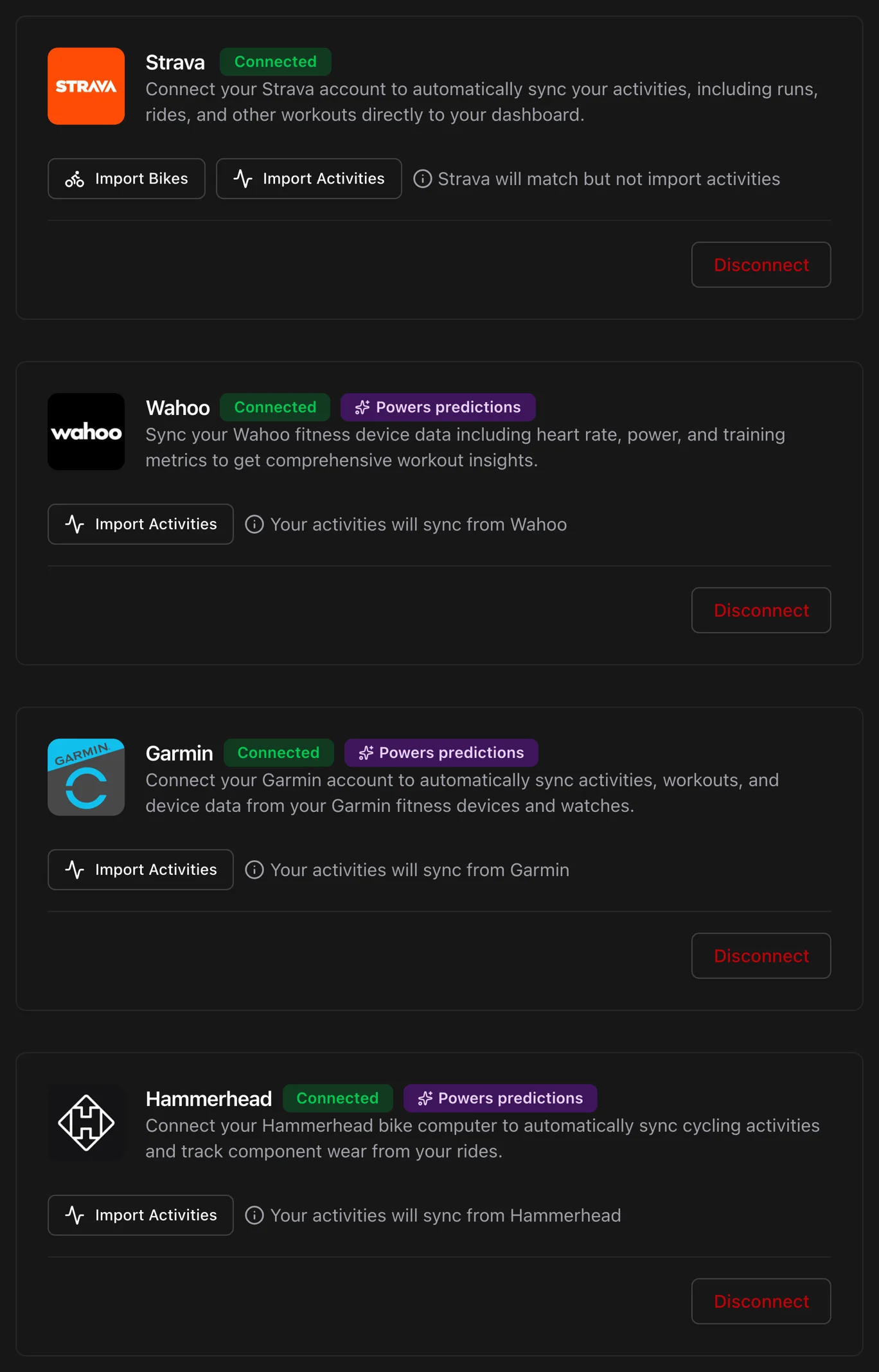
Componentry is the only maintenance tracker connected directly to all four platforms. Rides arrive from wherever you record them, land on the right bike and the right setup, and carry their route and weather with them.
Start your 2-month free trial. No credit card required.
Ride · Sunday club ride
Example bike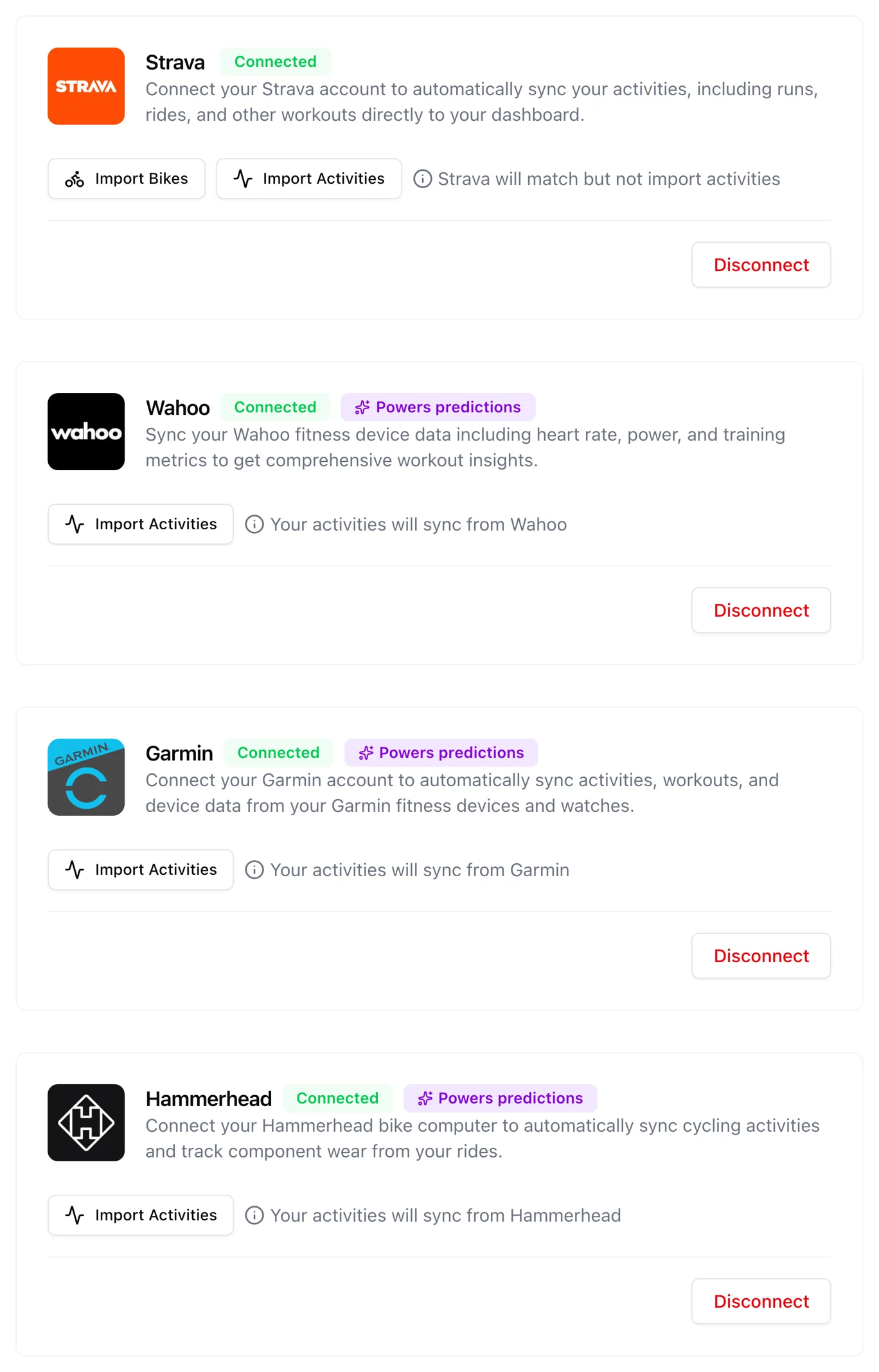
Four platforms, connected directly
Most trackers reach Garmin or Wahoo riders through Strava, an extra hop that breaks. Componentry connects to Strava, Garmin, Wahoo, and Hammerhead directly, so your rides come from the source and bring the ride file with them.
Ride files, not just summaries
A direct provider connection delivers the recording your computer made: power, cadence, elevation, and route. That is what predictions are built from.
No double counting
When the same ride reaches Componentry from a head unit and from Strava, it is recognised as one ride. Wear is counted once.
Every source on one timeline
Strava, Garmin, Wahoo, Hammerhead, and uploaded files sit in one activity list, each tagged with where it came from.
Good to know. Hammerhead is a full provider, including historical import. Garmin needs the Export Your Data permission, and Componentry tells you when it is missing.
Strava, both directions
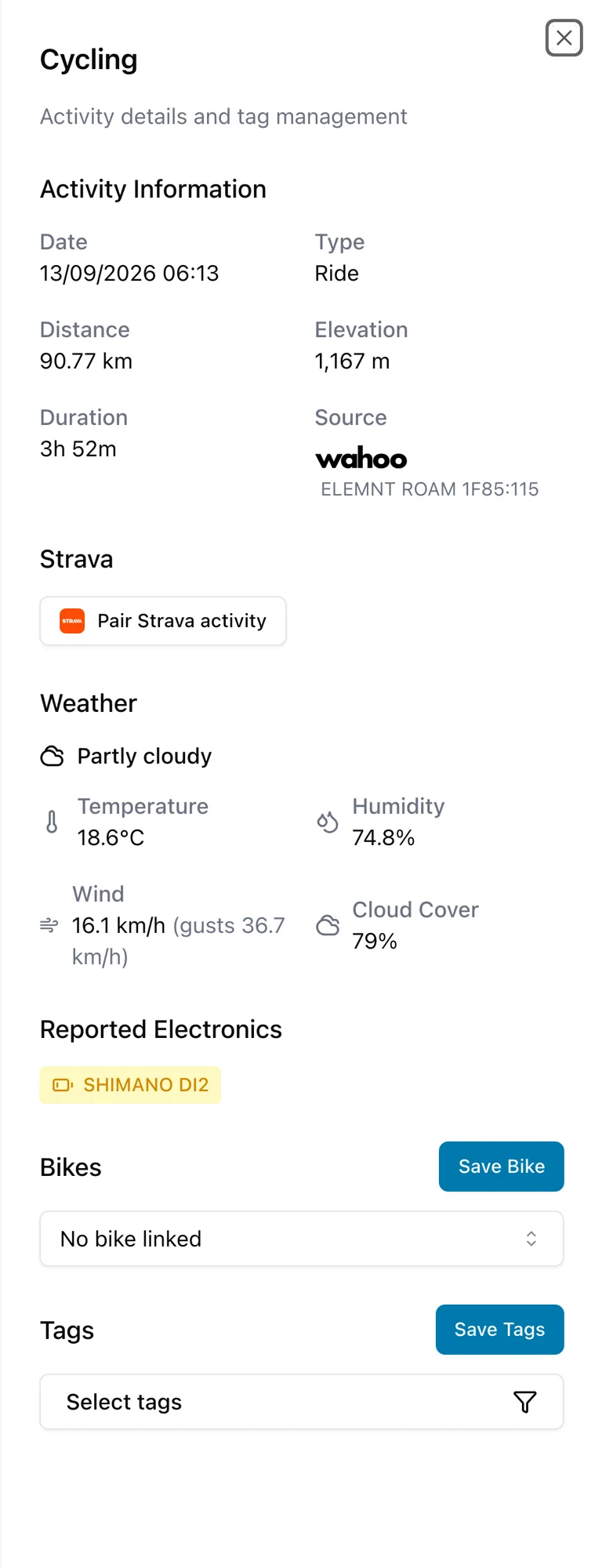
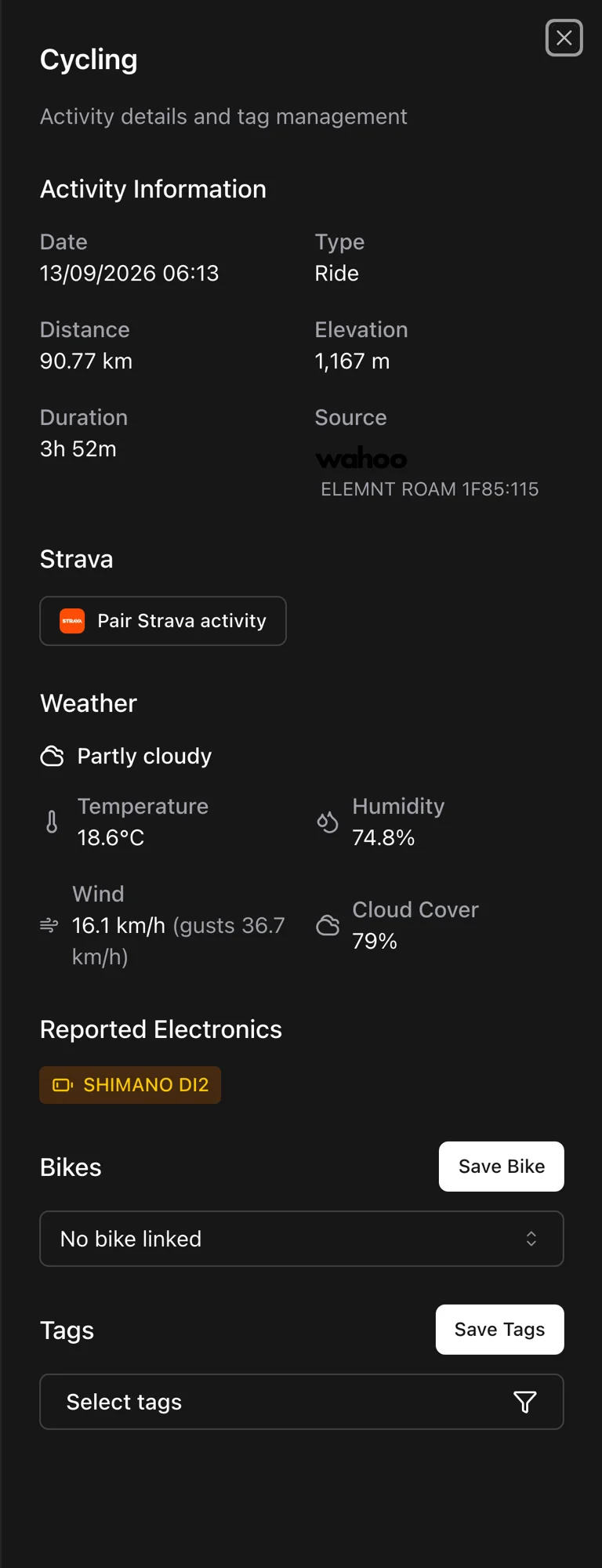
Componentry listens to Strava's webhooks, so a saved ride is on your bike within seconds. Assign a bike here and Strava is updated to match. Pair a head-unit ride with its Strava copy and the route, weather, and Strava bike follow.
Real-time arrival
Rides arrive within seconds of saving on Strava, not on the next scheduled check.
Bike changes flow back
Change the bike on a ride in Componentry and Strava's gear is updated too. Bikes imported from Strava keep their names.
Pair a head-unit ride yourself
When automatic matching cannot be sure, choose the Strava ride to pair. It brings the route, coordinates, and weather with it.
Good to know. Manual pairing picks from your 20 most recent Strava rides. You can swap or disconnect a pairing at any time.
Smart bike matching
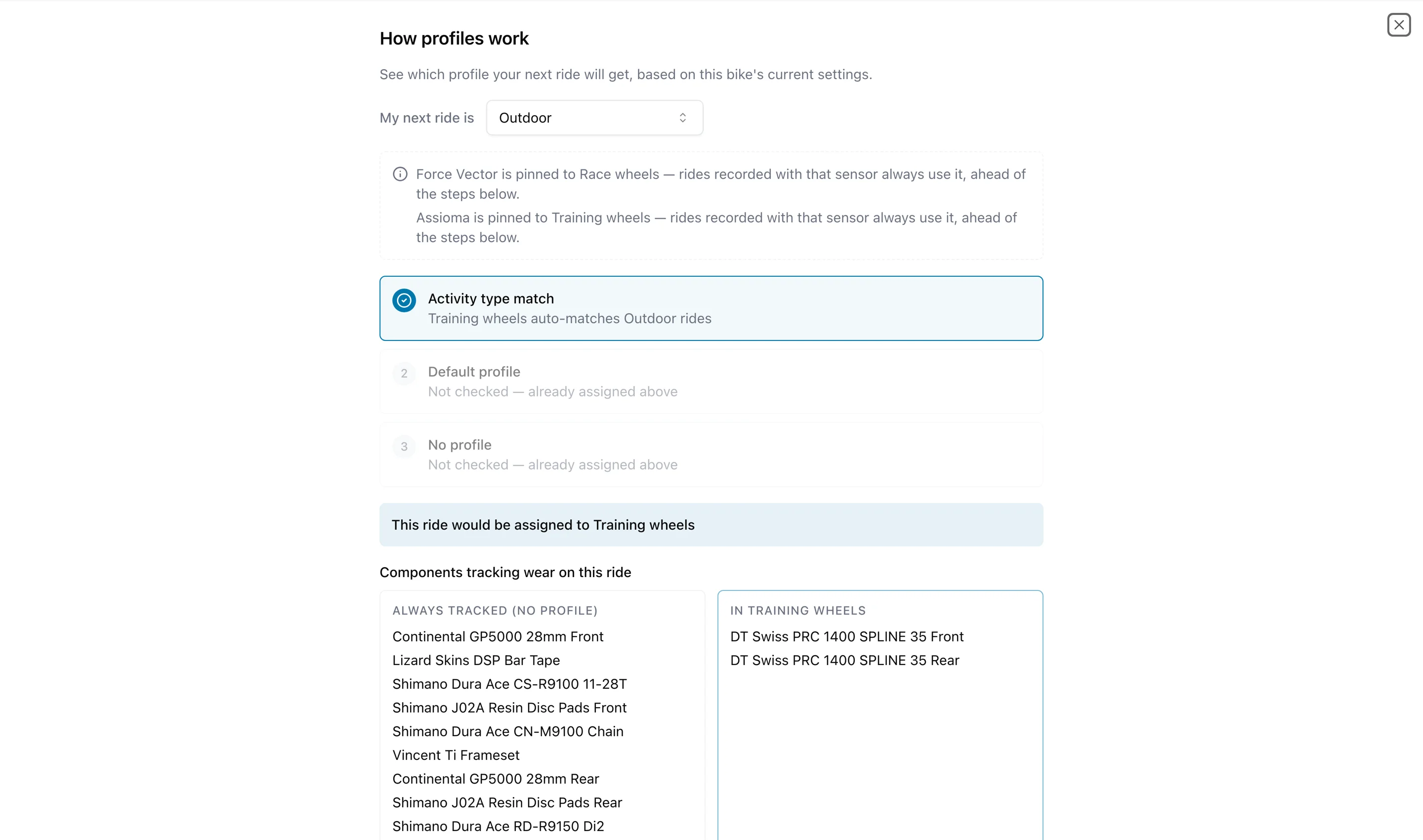
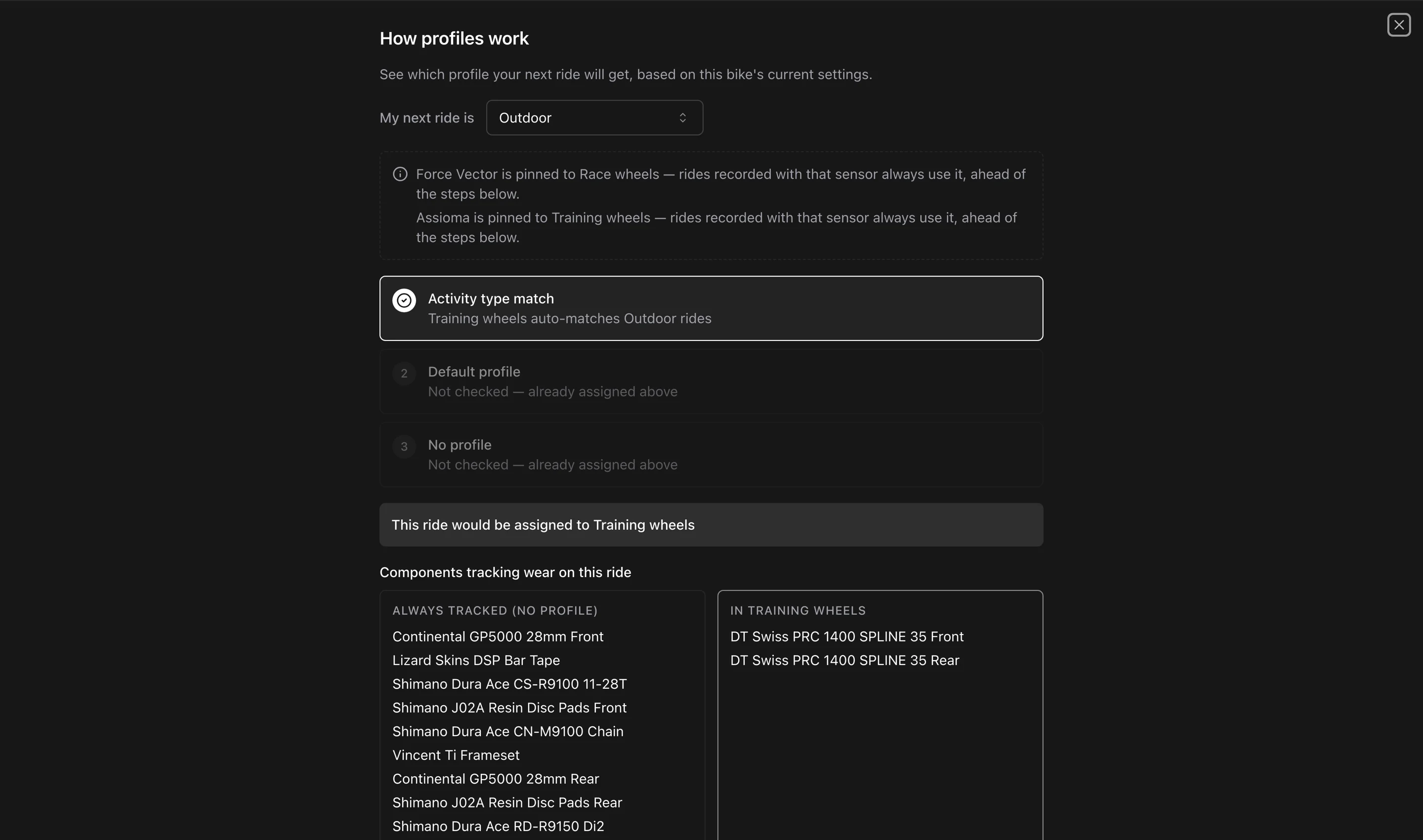
You should not have to say which bike you rode. Componentry reads the sensors on the ride, the activity type, and your defaults, and files the ride on the right bike and the right setup.
Sensors name the setup
Pin a power meter or speed sensor to a profile and any ride recorded with it lands on that setup. Two power meters, two wheelsets, no manual sorting.
Indoor and outdoor, separated
Trainer rides wear a different set of parts. Give a bike an indoor profile and an outdoor one and rides sort themselves. Indoor rides find that bike even without one of its sensors on the ride.
Bulk assign when you need to
Select a month of unassigned rides and put them on a bike and a profile in one action.
Good to know. Matching follows a fixed order. Your sensors, or the bike Strava names, pick the bike. With neither, an indoor ride goes to the bike with an indoor profile if only one bike has one; anything else goes to your default bike. On that bike, a sensor pinned to a profile wins, then the indoor or outdoor profile, then the bike's default profile.
Every discipline, every ride type
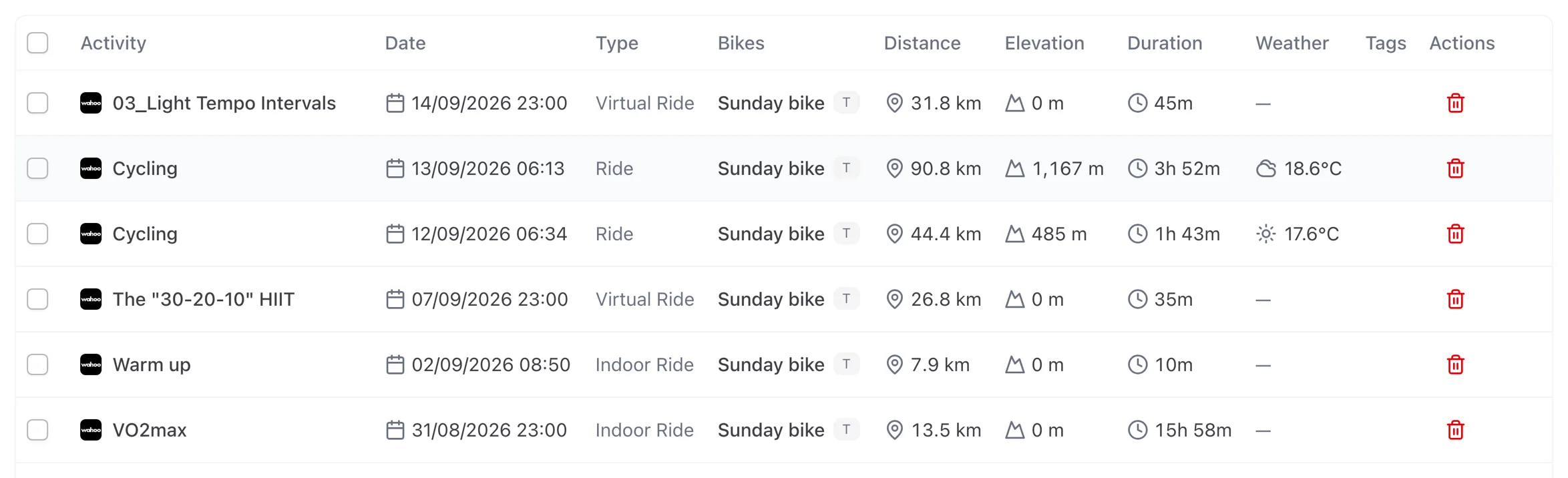
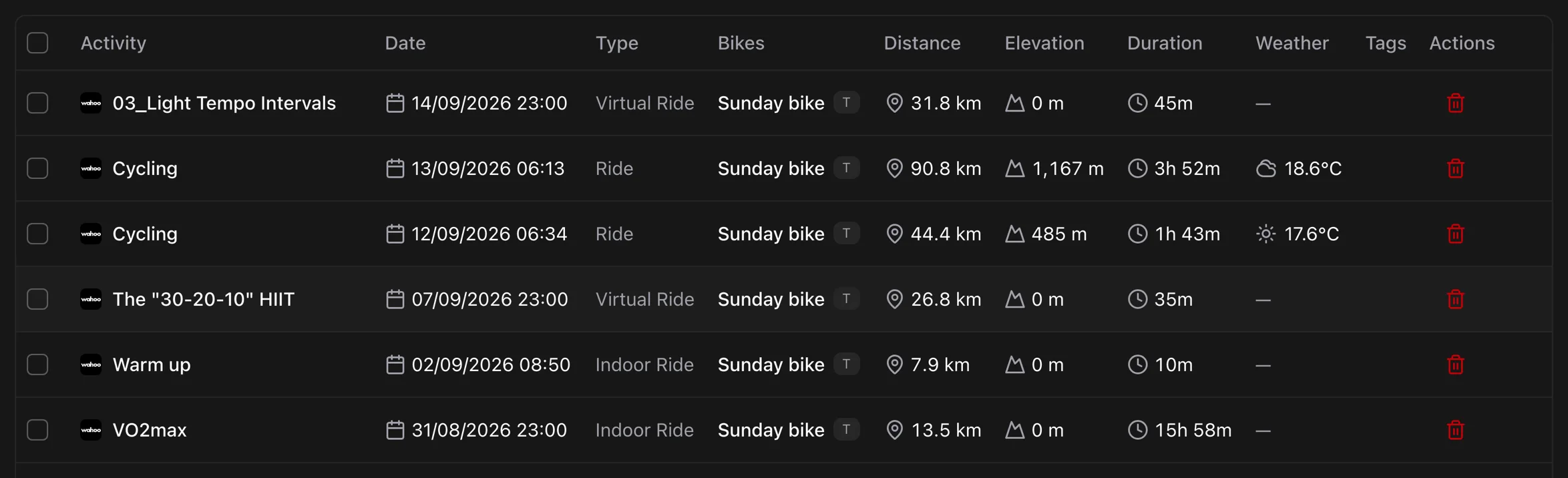
Road, gravel, mountain, cyclocross, track, e-bike, enduro, BMX, handcycle, virtual: every Garmin cycling sub-sport syncs. Turbo-trainer rides from Strava are recognised as indoor, so they wear the trainer setup and not your outdoor tyres.
Garmin sub-sports, all of them
Componentry syncs the full set of Garmin cycling profiles rather than a shortlist, so a gravel or MTB rider is not filtered out.
Trainer rides filed as indoor
Strava virtual and trainer rides are classified indoor automatically, including your history.
Weather on every outdoor ride
Temperature, wind, rain, and conditions are attached to each ride, with Wet, Windy, Hot, and Cold tags applied for you.
Good to know. Non-cycling activities are left out on purpose, at import and in .FIT uploads.
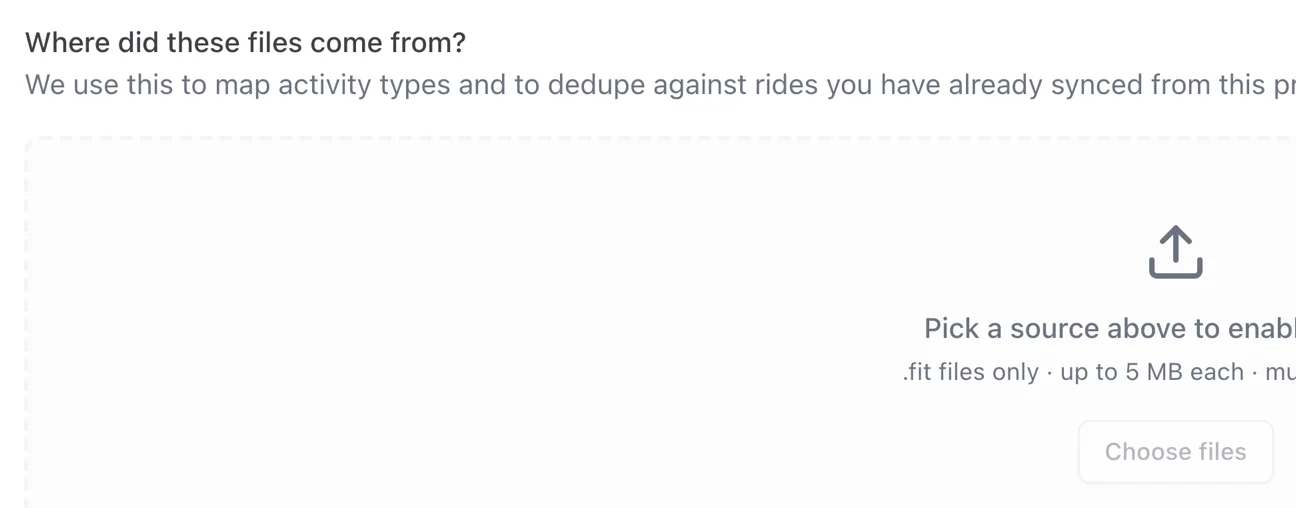
Bring your history with you
Your components have been wearing since long before you signed up. Import the rides from each provider or drop in a folder of .FIT files and Componentry counts them, without counting anything twice.
Drag in a whole folder
Files from Garmin, Wahoo, Hammerhead, or Coros head units upload together with live progress.
Three layers of de-duplication
Rides already synced from a provider or Strava are recognised and skipped. Your wear numbers stay right.
Wear counts backwards too
A ride imported after the fact updates the components that were on the bike at the time.
Good to know. Provider imports: Wahoo 7 to 90 days, Garmin up to a year, Hammerhead history. .FIT upload: any number of files, up to 5 MB each, on the web app.
More of what Componentry does
All features- PredictionsReplacement dates and chain watts modelled from how you ride.
- Service historyLogs, checks, receipts, and a record for every replaced part.
- RemindersDistance, time, hours ridden, or ride count. Sorted by how urgent they are.
- BikesEvery bike's record: setups, purchase, insurance, fit, and odometer.
- AI assistantsAsk Claude about your bikes, in your own words.
Questions riders ask
Which fitness platforms does Componentry integrate with?
How does automatic activity sync work?
Does Componentry sync bike data back to Strava?
Can I upload activity files manually?
Which AI assistants can I connect to Componentry?
You have Strava. Your bike needs Componentry.
Connect a platform in a minute and let your rides do the logging. Once they are in, ask Claude what's due.
Start your 2-month free trial. No credit card required.