What a Bike Repair Log Should Record
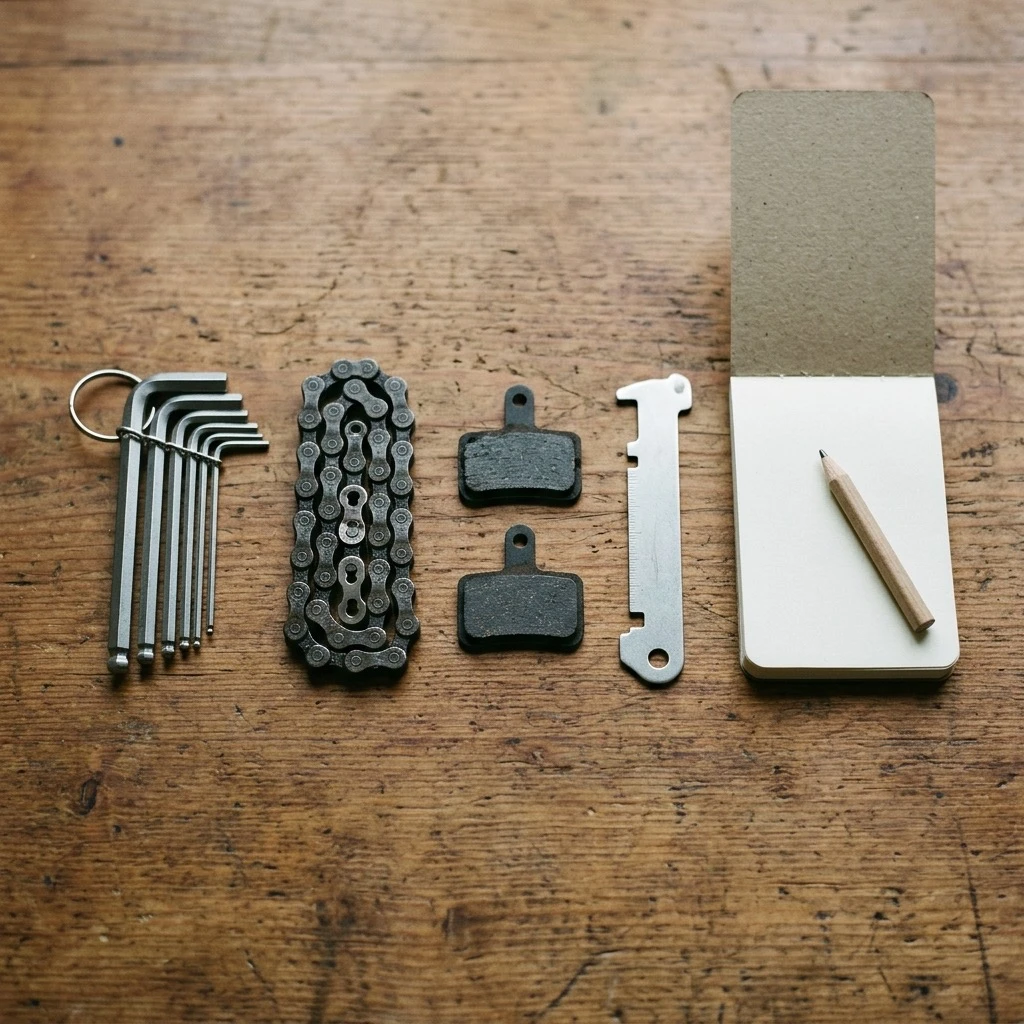
You keep a bike repair log so that you can find an answer in it a year later. An entry needs six things to give you that answer.
- The date of the repair.
- The bike, and the exact part on it. "Rear brake pads on the gravel bike" is useful. "Brakes" is not.
- The work that was done: replaced, cleaned, bled, adjusted, trued.
- Who did it: you, or a named shop.
- The distance and hours on the part when the work was done.
- What it cost, if you want to know what a bike costs to run.
A paper notebook loses the fifth item. You can write down the date you fitted a chain, but not how far that chain has gone since, because the number changes on every ride. That is the point where a notebook or a spreadsheet starts to need constant upkeep, and our guide to a bike maintenance app vs a spreadsheet shows what that upkeep takes.
Repair Log or Maintenance Tracker: The Difference
A repair log looks back and answers "what was done, and when?" A maintenance tracker looks forward and answers "what is due, and how soon?" You need both, and each depends on the other. A reminder to replace a chain is only correct if the app knows when the last chain went on. A repair entry is only complete if it also resets the count on that part. When the two are separate, they drift apart: the log says the cassette is new, and the tracker still warns about the old one.
You can test any bicycle repair app with one question: after you log a repair, does the app update what is due without more work from you? If it does, the log and the tracker are one system. If you must edit a second screen, you have two lists to keep in step.
How to Log a Bike Repair So It Stays Useful
Each repair takes about a minute to log if you follow five habits.
- Log it the same day. Details go first: which pad compound, which chain, which shop.
- Log it against the part, not the bike. A repair filed under the right part moves with that part if you swap it to another bike.
- Record a replacement as a replacement. Retire the old part and add the new one, so the new part starts from zero and the old one keeps its history.
- Add one line of notes. "Rear pads worn unevenly, piston sticky" is the line that explains the next repair.
- Let a reminder start the next entry. When a reminder fires, do the check, then record what you found. Our guide on turning reminders into a bike maintenance log covers this habit in full.
Shop work belongs in the same log. Ask the shop what it replaced and enter those parts as new. A full service that changes a chain, cables and pads is three part records, not one line that says "service".
Bicycle Repair App Options: How the Main Apps Compare
These are the apps riders most often use as a repair log. The facts for the other three come from each product's own site and store listings, last checked in August 2026. Check each site for current details.
| App | Where it runs | Ride data from | Reminders | Repair and service history |
|---|
| Componentry | iPhone, Android, web | Strava, Garmin, Wahoo, Hammerhead | Yes | Yes |
| ProBikeGarage | iPhone, Android, web | Strava | Yes | Yes |
| MainTrack | iPhone | Strava | Yes | Yes |
| Bikerly | Web browser | Strava | Not at the time we checked | Yes |
ProBikeGarage is the largest dedicated tracker, with apps on both phone platforms and a free tier. It is a sound choice if all your rides are on Strava.
MainTrack is free and runs on iPhone only. One developer has built it over several years, and it handles moving parts between bikes well.
Bikerly is a browser-based log that is free with ads, with a one-time payment to remove them. Its site described service alerts as planned when we checked.
Componentry is the one that connects to Strava, Garmin, Wahoo and Hammerhead. For a repair log this is the difference that counts, because rides that never reach Strava still count toward the wear on your parts. Componentry has no free tier. It has a two-month free trial. Our comparison pages set the apps side by side in more detail.
How Componentry Works as a Bike Repair Log
Componentry keeps the log and the tracker in one place, so a repair you record changes what is due.
Service logs hold the record of each job. A service log carries the date, the work performed, the parts that were serviced and your notes. It can be planned, booked or completed, so you can prepare a shop visit before it happens and close it when the bike comes back.
Every part has its own history. Componentry counts distance and hours on each part from every ride, with no manual entry. When you replace a part, you retire the old one with its final notes and add the new one. The old part keeps its full record.
Reminders tell you what is due. You can set a reminder by distance, by hours, by number of rides or by date, and combine them so that the first limit reached sends the reminder. When it fires, you do the check and record the result, and the next interval starts from that point.
A report goes with the bike to the shop. It lists the bike, its parts, the wear on each, the items that need attention and your service notes. The mechanic sees the history without a phone call.
For riders who record with Garmin, Wahoo or Hammerhead, Componentry also gives personalised predictions: a predicted replacement date for a part, based on your terrain, power, weather and riding volume.
Add your bike to Componentry and start your repair log, or see pricing. Download Componentry from the App Store.
Bike Repair App Questions
Is there a free bike repair app? Yes. Park Tool's repair help is free for how-to guides. For a repair log, ProBikeGarage has a free tier, MainTrack is free on iPhone, and Bikerly is free with ads. Componentry has a two-month free trial.
Does a bike repair app replace a mechanic? No. A guide can teach a fix, and a log can tell you what is due. Neither can inspect a frame or press a bearing for you.
What should I log first? Start with the parts that wear fastest and cost the most when ignored: chain, brake pads and tyres. Add the rest as you service them.
How much does a shop repair cost? That depends on the job and the shop. Our bike tune-up cost guide lists published prices by service level.
Further Reading on Repair Logs and Service History
Componentry guides:
Sources: