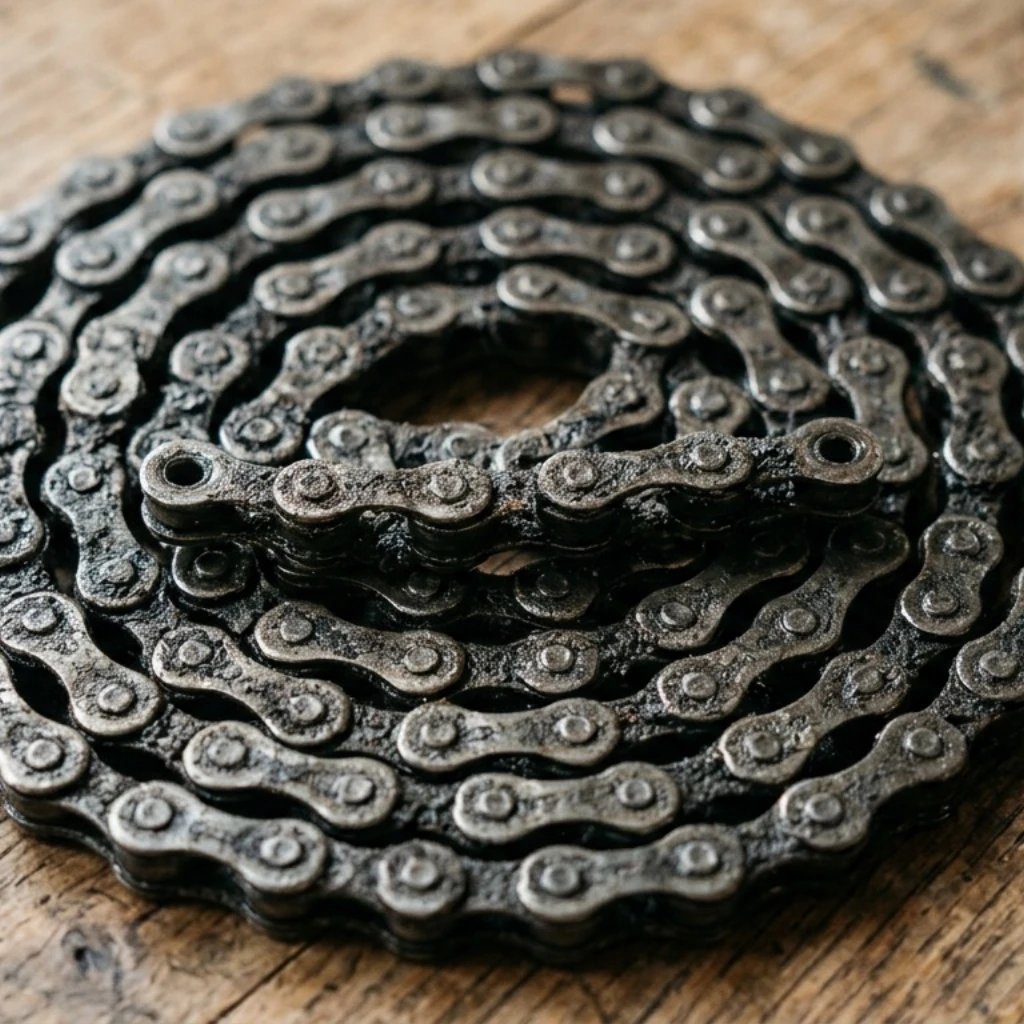


Ask a cyclist what a worn chain costs in watts, and you will usually get a number. Ask where that number comes from, and the answer gets vaguer. That is because "chain wear" has quietly become shorthand for three different things happening at once: the chain mechanically elongating, grime building up between the rollers, and the lubricant breaking down. Only one of those is actually wear. The other two are most of why an overhauled drivetrain feels faster than a worn one, even when a chain checker says the difference is small.
Componentry's Drivetrain power loss feature, now live in the mobile app and on the web, is built around that distinction. Instead of one number claiming to represent "the cost of a worn chain," it shows three, and tells you which one is the actual problem on your bike.
Where the Watts Actually Go
Independent lab testing gives a clearer picture than most cycling folklore does. CeramicSpeed's Friction Facts testing isolated mechanical wear by ultrasonically cleaning and identically re-lubricating every chain before measurement, so the results reflect elongation alone, with dirt and lubrication held constant. The finding: chain stretch adds roughly 2 watts of drivetrain friction per 1% of elongation at 250 watts. (CeramicSpeed: Drivetrain Efficiency Test) At 0.5% elongation, the point most riders replace an 11- or 12-speed chain, that works out to roughly 1 watt above a new chain. Push it to 1%, well into cassette-damaging territory, and the mechanical penalty alone is still only around 2 watts.
That is a smaller number than most riders expect, and it is not the number responsible for making an old chain feel slow.
The larger, more variable losses come from contamination and lubrication. SILCA's testing puts a clean, well-lubricated chain at around 6 watts of friction at 250 watts of rider input, and notes that dirt and grit alone can take a chain that would otherwise be losing 3 to 4 watts up toward 15 to 20. (SILCA: Science of Chain Efficiency Explained) A chain run dry, with no meaningful lubricant left, can lose 20 watts or more compared with the same chain freshly lubed. And because a worn chain's surface holds contamination differently than a new one, Zero Friction Cycling's real-world testing on used-but-cleaned chains finds the practical, on-the-bike penalty for elongation runs higher again than the lab-isolated figure. (Zero Friction Cycling)
So when a rider replaces a chain and the bike feels noticeably faster, most of that improvement was rarely the stretch. It was the grime and the tired lubricant leaving with it.
What Componentry Shows You Now
This is the model behind the Drivetrain power loss card that now appears on every chain in Componentry. Rather than folding contamination, lubrication, and mechanical stretch into one number, the card leads with a single figure: the watts a clean and re-lube would realistically win back, based on your own ride history. Tap it, and it opens into the three-part breakdown, contamination, lubrication state, and chain stretch, each with its own figure.
Take a rider who spent most of a wet spring without re-lubing, then finally cleaned and lubed the chain in June. Before the clean, the breakdown might read something like 2 watts from stretch, 6 watts from contamination built up over those wet rides, and 4 watts from lubricant well past its useful life, a recoverable total around 12 watts. After the clean and re-lube, the card drops to whatever the stretch alone still costs, often a watt or two, and stays quiet until contamination or lubrication creep back up.
The same recoverable-watts number surfaces higher up too, on the home bike card, on the bike's Components tile, and next to the chain in the component list, so you see it before you go looking for it. A chain with nothing worth recovering shows no badge at all. The card is there to flag what needs attention, not to fill space with a number close to zero.
The estimate sharpens the more Componentry actually knows about how you maintain the bike. Mark a reminder as a lubrication reminder, and the model uses your real re-lube history instead of assuming typical habits, the difference between guessing you lube every few hundred kilometers and knowing the exact date you last did it. On the web, the same figure shows up as a plain-language chip: "Recover 3.1 watts," for example, rather than a label you have to interpret. Anything under a watt reads as "<1 watt" instead of a decimal the model cannot really stand behind.
Also New This Week
The power loss breakdown landed alongside two other mobile changes worth knowing about.
Component detail moved out of a bottom sheet and onto its own full screen, so a chain's predicted replacement date, wear factors, and linked reminders have room to actually be read instead of scrolled past in a cramped panel. Edit, retire, and delete now live in the header, and leaving an edit returns you to the component instead of dropping you back at the top of the list.
Reminders got a similar edit toward showing less, more usefully. The home screen's Reminders card now surfaces only what is overdue, due soon, or genuinely coming up, inside a week, 300 kilometers, or three rides, instead of every unfinished reminder regardless of how far off it sits. A service due in eight months no longer competes for attention with one due tomorrow.
And a day later, a smaller but welcome addition: new installs now open with a five-screen tour of what Componentry actually does, shown once and then out of the way, available in all nine supported languages.
The Number That Actually Means Something
None of this changes what Componentry has always tracked: distance, duration, and the activities that update it automatically from Strava, Garmin, Wahoo, and Hammerhead. What changes is the honesty of the number attached to your chain. Not "your chain is costing you power," which is true but unhelpful, but which part of it is, and what doing something about it is actually worth.
The Drivetrain power loss card is live now for every chain in Componentry, on iOS, Android, and the web.
Recommended Reading
Related Componentry posts:
- The Friction Tax: How Drivetrain Efficiency Costs You 5-10 Watts Before You Notice
- Drivetrain Efficiency: Why Your $1,000 Cassette Requires 0.5% Precision
- The Same Distance, a Different Wear Story: How Componentry Now Predicts Your Component Lifespan
Further reading: