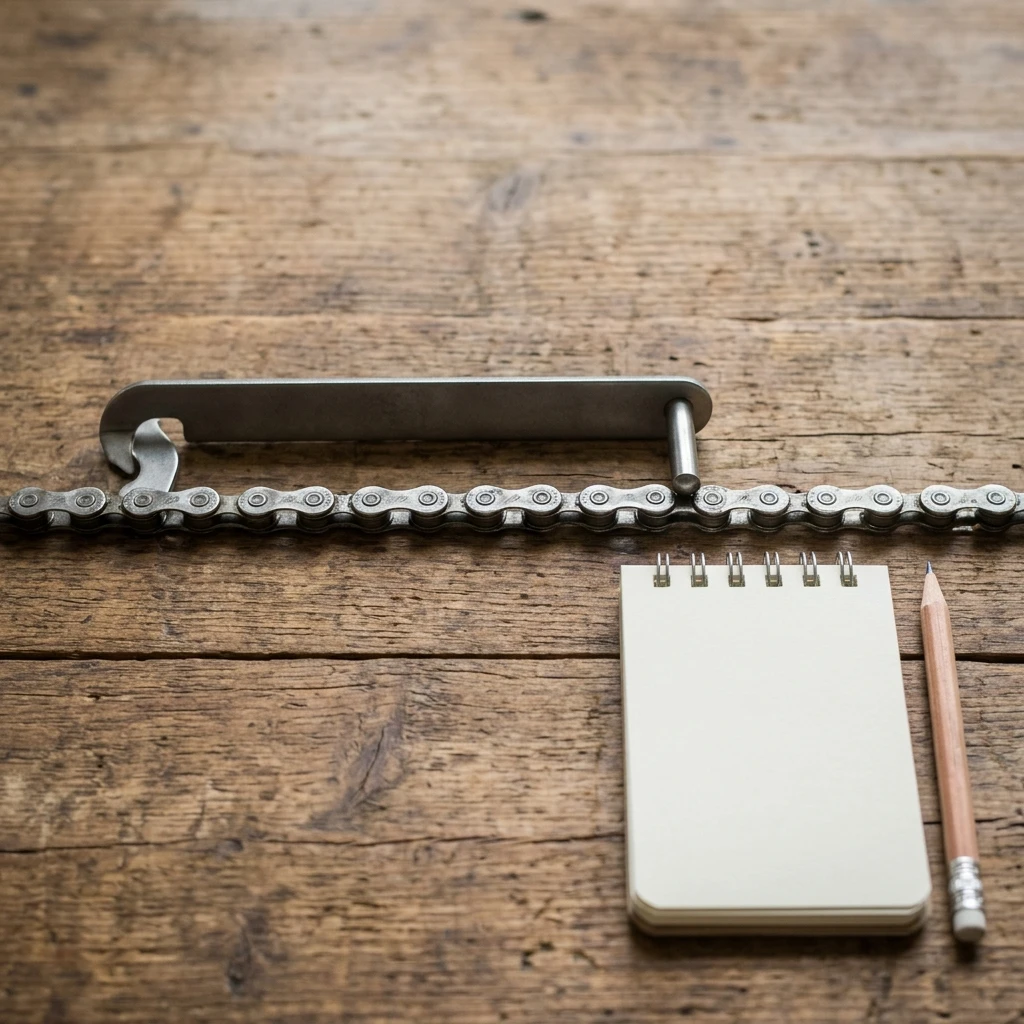
How to track chain wear in four steps
1. Get a chain checker
Park Tool calls a chain wear indicator tool the easiest and most accurate way to check wear. Its CC-3.2 has ends for 0.5% and 0.75%, and its CC-4.2 indicates 0.5%, 0.75% and 1.0%. Pick one that covers the limit for your drivetrain:
| Drivetrain | Replace at | Source |
|---|
| 11-speed and above | 0.5% | Park Tool |
| 10-speed and below | 0.75% | Park Tool |
| Single-speed | 1.0% | Park Tool |
| 12-speed SRAM Eagle | 0.8% (reported) | SRAM support article, which we could not open in an automated check |
Park Tool also says every drivetrain manufacturer has its own specification, so your chain maker's figure wins if it differs. The chain stretch measurement guide covers the technique in full, including why you should let the tool rest under its own weight.
2. Log the install date and the distance
Write down the day the chain went on and the distance it had at that point. A new chain starts at zero. A chain moved from another bike starts at whatever it has already done. This is the number that is hard to reconstruct later, because a bike's total distance says nothing about one part. Tracking mileage by component explains why those are separate counters.
3. Record each reading
Every time you measure, note the date, the distance on the chain and the reading. Two readings give you a rate for this chain on this bike, in the conditions you ride. A single check cannot show that, and it gives you some evidence for lengthening or shortening the gap between checks.
4. Set a reminder
Set the next check by distance, by date, or by whichever comes first. A date rule catches a quiet month and a distance rule catches a big week. We suggest every 300 to 500 km for road riding in mixed or dry conditions, and every 200 to 300 km for mountain bikes and gravel. Those intervals are our own suggestions, not figures from Park Tool or a chain maker, so adjust them once your readings show how fast your chain moves.
When a reading reaches your limit, the question becomes replacement. When to replace your bike chain covers that decision and its cost.
Ways to track chain wear compared
A chain wear tracker can be as simple as a notebook, and every option below can hold a distance figure. They differ in where the distance comes from, whether anything reminds you, and whether your checker readings have a home. We read each product's own page or the linked coverage on 2 November 2026.
| Method | Where distance comes from | Reminder | Checker readings | Honest strength |
|---|
| Paper or spreadsheet | You type it | None, unless you add a calendar entry | Yes, in any format you like | Free, and entirely under your control |
| Strava Gear | Your Strava rides | None that we could confirm | No field that we could find | No extra app if your rides are already on Strava and assigned to the right bike |
| Garmin Edge gear tracking | Rides recorded on the computer | Alerts when a part nears the lifespan you set | Not mentioned in the coverage | Works on the head unit itself, with progress bars per component |
| Intervals.icu | Activities you associate with gear | By distance, time or activity count | Not mentioned on its page | Its own reminder examples include replacing a chain, so it suits riders already training there |
| Strautomator GearWear | Your Strava activities | Email at the threshold, repeated until you reset | Not mentioned on its page | Simple email alerts, with a default 2-day delay so you can correct the bike on a ride first |
| ProBikeGarage | Your Strava rides | By distance, moving time, elapsed time or ride count | Not mentioned on its site | Established, with native apps and a free tier |
| Componentry | Strava, Garmin, Wahoo or Hammerhead rides | By distance, time, ride hours or ride count, with web, email and mobile notifications | Yes, a chain stretch field in each service log or maintenance check | The reading, the reminder and the distance sit together on one chain |
Componentry is not the cheapest route. It has a 60-day free trial and then a paid plan, while a spreadsheet costs nothing and some of the options above have free tiers. If your rides all live on Strava and an occasional email is all you want, GearWear or ProBikeGarage may cover it. Our bike maintenance app comparison goes through more of the field.
Strava's position deserves one caveat. The 2021 road.cc coverage and later reader reports say it does not send component reminders, but we could not read a current Strava help page confirming that, so check your own account.
How Componentry tracks chain wear
Connect Strava, Garmin, Wahoo or Hammerhead once, and new rides sync on their own. Add the chain with its installed date and Componentry works out its wear from the rides already on the bike since that date. A used chain can carry its earlier distance as initial wear. Each chain keeps its own count, so a road bike and a gravel bike never share a number.
A chain added with automatic reminders gets a Check chain wear reminder. A reminder on a component counts that part's own distance, and you can combine rules so it comes due on whichever arrives first, such as a distance or a date. Notifications can go to the web, email or the mobile app.
When it comes due, measure the chain and record the result in a maintenance check, which takes about a minute. Add a service note on the chain and enter the checker reading as a whole number, so a reading of 0.67 goes in as 67. Readings appear on the chain's card in each check, so you can see how fast it is moving from one check to the next. Complete the reminder and the next one starts counting from that moment.
If the check shows the chain is at its limit, swap the check to a full service log, retire the old chain and fit the new one in one step. Its reminders move to the new chain, with the schedule starting from the day it went on.
Two further things build on the same data. A logged reading replaces Componentry's own estimate of stretch in the chain power loss figure. And after 10 rides with a FIT file from a bike computer, predictive modelling estimates how far the chain will last on that bike, given how you ride. Strava alone does not carry enough detail for that part, and neither feature replaces the checker.
Know when your chain is due for a check. Componentry counts the distance on every chain you own from your connected rides, and reminds you when it is time to measure. Start your free trial →
Chain wear tracking questions
How do I track chain wear on my bike? Use a chain checker for the reading and a distance tracker for the timing. A spreadsheet works if you keep it up to date. An app such as Componentry fills in the distance from your rides and reminds you to check.
Is there an app that tracks chain wear? Yes, with one limit: an app tracks distance and your readings, and it cannot measure the chain. Componentry, ProBikeGarage, Intervals.icu and Strautomator GearWear all count distance and send reminders. Componentry also has a dedicated field for chain stretch readings.
Can I track chain wear by distance alone? Not reliably. Distance tells you when to check. Conditions, lubrication and power all change how quickly a chain wears, so the same distance can give very different readings.
How often should I measure my chain? We suggest every 300 to 500 km on the road in dry or mixed conditions, and every 200 to 300 km off road. Those are our own intervals. Your logged readings are the better guide once you have a few.
Does Strava track chain wear? Strava Gear can carry a distance total for a chain. It does not measure wear, and we could not confirm any reminder feature for components.
Further reading
Componentry Resources:
Technical Reference: