Reminders That Match the Skills You Just Learned
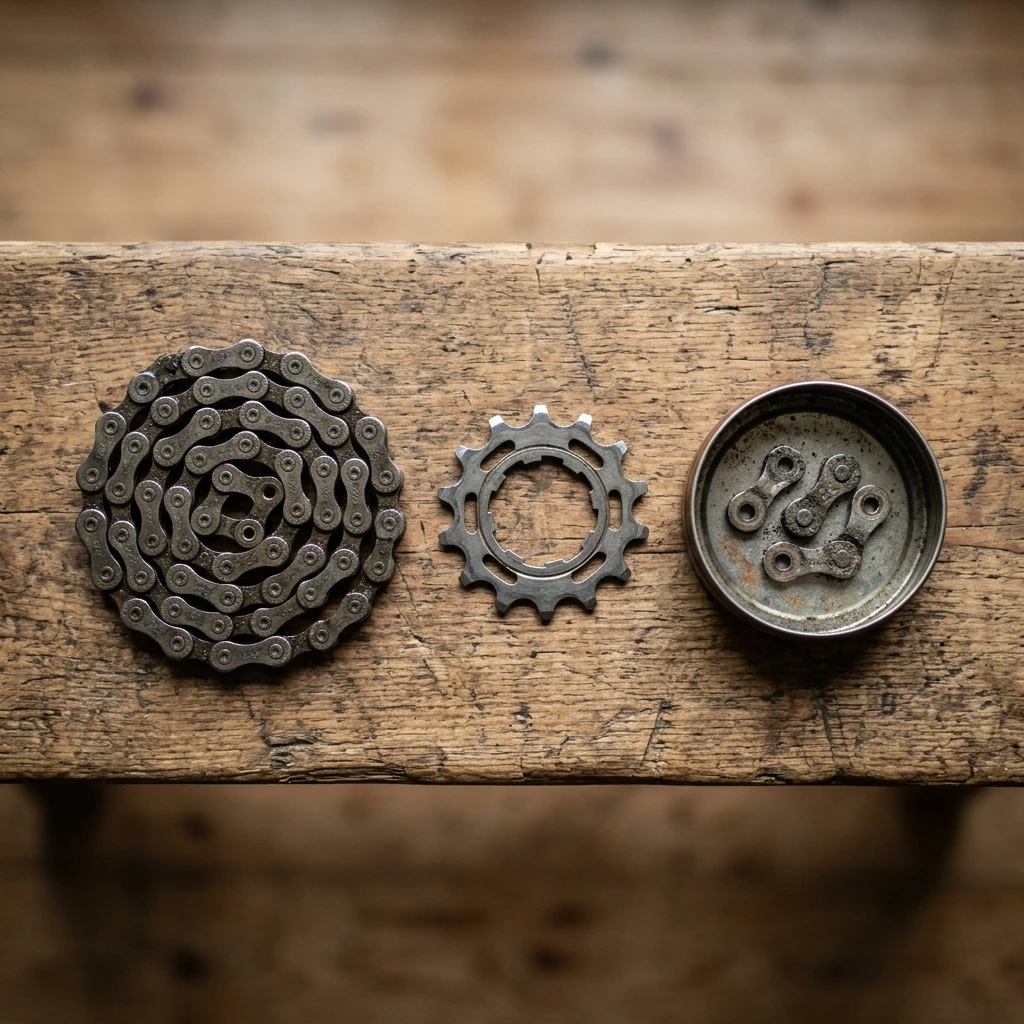
A skill you only remember to use when something already sounds wrong is not much of a habit yet. Componentry raises a reminder when a component approaches a sensible threshold instead, whether that is chain wear, brake pad thickness, or tire pressure drifting low. You can set reminders by distance, duration, or a fixed calendar interval, whichever fits the component and the way you ride.
This is deliberately the same set of checks covered in the basics guide: chain, tires, brakes. The difference is that Componentry keeps score, so the reminder that fires is the one that is actually due, not whichever job happens to make noise first. A chain reminder and a brake pad reminder landing in the same week is not two separate future trips to the workstand. It is one session's worth of work, visible together on your dashboard instead of arriving as separate surprises.
From a Quick Check to a Full Service
Not every maintenance session needs to be a teardown. Componentry's Quick Maintenance Check exists for the light-touch version: pick a bike, note what you found against whichever component you just inspected, and move on. It gives the two-minute habit from the basics guide somewhere to live, instead of letting it disappear from memory the moment you put the tools away.
When a session turns into more than that, the chain and the cassette both needing attention, brake pads close to their limit, escalate to a full service log in one step without losing the notes already taken. A full service log pulls in every open reminder on that bike as the session's checklist, and retiring or replacing a component happens inside the same log, with the wear it came off at and what replaced it recorded against the session rather than left as a fact you have to remember separately.
That distinction matters more than it sounds. A chain swapped six months ago with no record attached is a chain of unknown age the next time the question comes up, whether that is deciding if it needs replacing again or pricing the bike for resale. A retirement logged inside the service that removed it carries the answer with it automatically.
Personalized Wear Predictions, Once You Have the Ride Data
Everything above tracks what has already happened. For riders with enough ride history from a FIT-file source, Componentry adds a physical model of what is likely to happen next.
Componentry's predictive wear model weighs five measured factors: weather severity, intensity, terrain, descending, and riding volume. It runs them over a rolling window. The result is a personalized lifespan estimate for a given component, rather than a generic manufacturer figure applied to every rider alike.
The model needs at least ten FIT-backed rides from Garmin, Wahoo, or Hammerhead to unlock. Strava alone does not provide the data it needs. What you get back is a predicted replacement date, not a vague warning. It comes from a research-anchored physical model with a transparent per-factor breakdown, not a black box, and it sits at every plan level rather than behind a premium tier.
Chain wear specifically also comes with a recoverable watts estimate: the drivetrain power you get back by cleaning and re-lubricating a chain, the skill at the top of the basics guide, broken down into contamination, lubrication state, and chain stretch. This one is available to every account, including Strava-only riders.
Managing More Than One Bike
If you are maintaining more than one bike, the basics do not change, but the bookkeeping does. A road bike, a gravel bike, and a trainer each accumulate wear on their own schedule. Remembering which chain has how many kilometers across three bikes, by memory, is exactly the kind of tracking a spreadsheet or a mental note tends to lose. Componentry tracks components per bike instead. Moving a chain, wheelset, or saddle between bikes carries its accumulated wear with it, rather than resetting to zero the moment it changes frames.
This is also where a rider who has only skimmed the basics guide so far benefits most from connecting an account early. The skills are the same regardless of how many bikes you own, but the value of not having to track mileage by hand scales with every bike you add. We have covered the specific problems this solves, mixed ride history, seasonal bikes, three or more bikes in rotation, in our guide to tracking maintenance across multiple bikes.
Getting Started
- Create a free account and add each bike you ride, matching the name to how it appears in Strava, Wahoo, Garmin, or Hammerhead's own bike list.
- Add the components you want to track. Enter current mileage if you know it, or start from zero and let the tracking catch up.
- Connect your activity source. Componentry only needs read-only access.
- Apply what you learned in the basics guide: clean and lube the chain, check tire pressure, inspect the brake pads, and let the reminders take over the scheduling from there.
- When something needs more than a quick note, escalate to a full service log and keep the record going.
Where to Go From Here
Basic bike maintenance at home, the resources to go deeper, and Componentry to keep track. That is the whole loop, and any part of it works without the others. Learn the skills without ever connecting an account. Read the resources without tracking a single ride. Or use Componentry from day one and let the reminders teach you what to check and when, in roughly the order the basics guide laid out.