Setting Your Bike on Strava Automatically
Link a sensor to a Strava bike so each new ride shows the right bike on Strava, and Strava rides land on the right bike in Componentry.
Link a sensor to one of your Strava bikes and Componentry keeps the two in step:
- Head-unit rides update Strava. When a ride from Garmin, Wahoo or Hammerhead is matched to a bike through that sensor, Componentry sets the linked bike on the same ride in Strava. No editing the activity in Strava afterwards.
- Strava rides find the right bike. When a ride arrives from Strava with that Strava bike on it, Componentry puts it on the bike the sensor is paired with.
Before you start
- On the Apps page, connect Strava, plus the app for your head unit (Garmin, Wahoo or Hammerhead). The head-unit app sends the FIT file with your sensors in it; Strava is the account Componentry updates. See Connecting apps.
- Pair the sensor with a bike in Componentry. Pick a sensor that stays on that bike, such as an Electronic Shifting groupset or a fitted power meter.
Link a Strava bike
- Open Sensors and click Edit on the sensor.
- Under Strava, open Link Strava Bike and choose the bike. Your primary Strava bike is marked (Primary).
The link saves as soon as you choose; you don't need to click Update. The sensor's card now shows the bike under Strava Bike. To remove it, choose Unlink Strava bike.
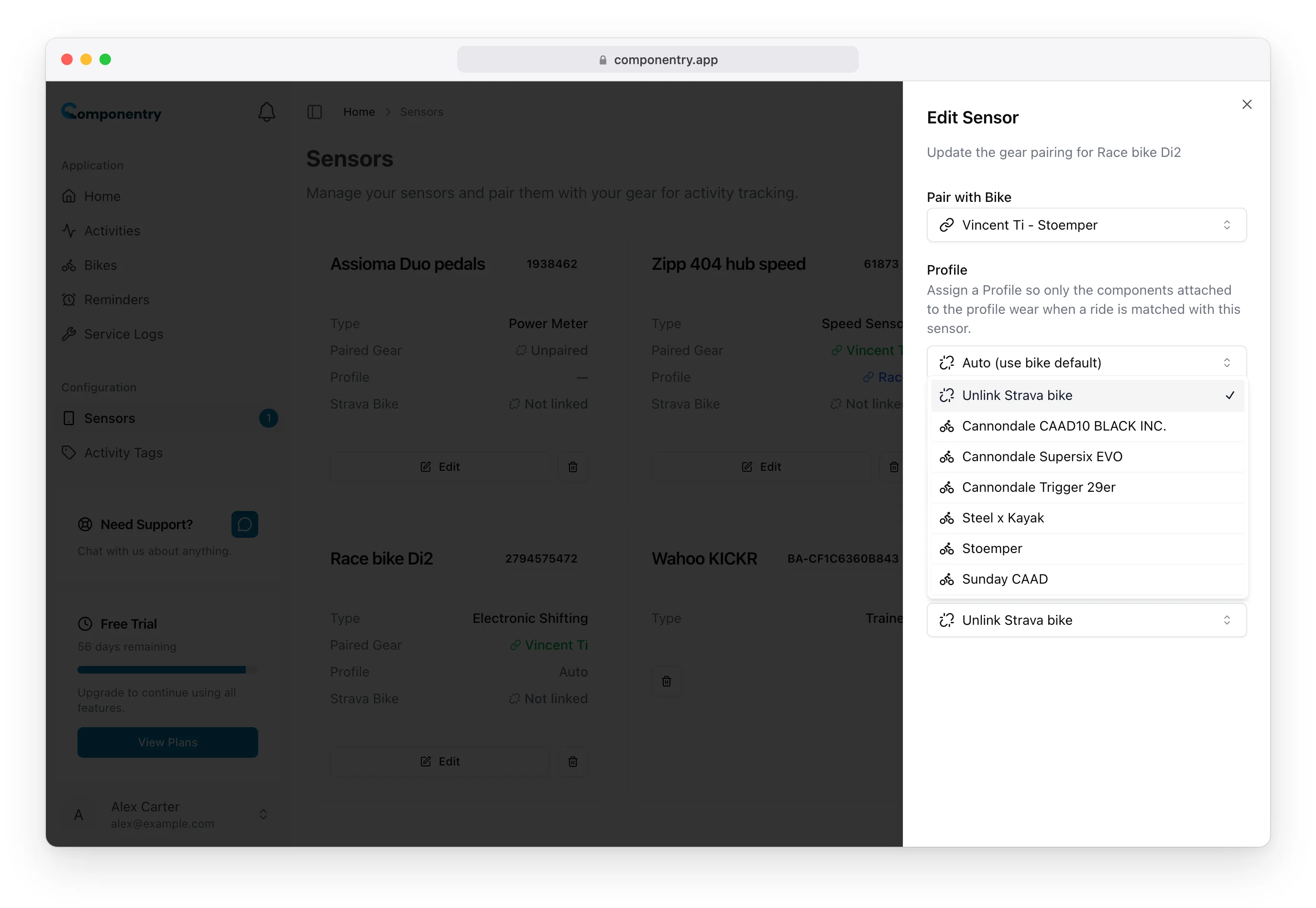
If the list says "No Strava bikes found", add your bikes in Strava first.
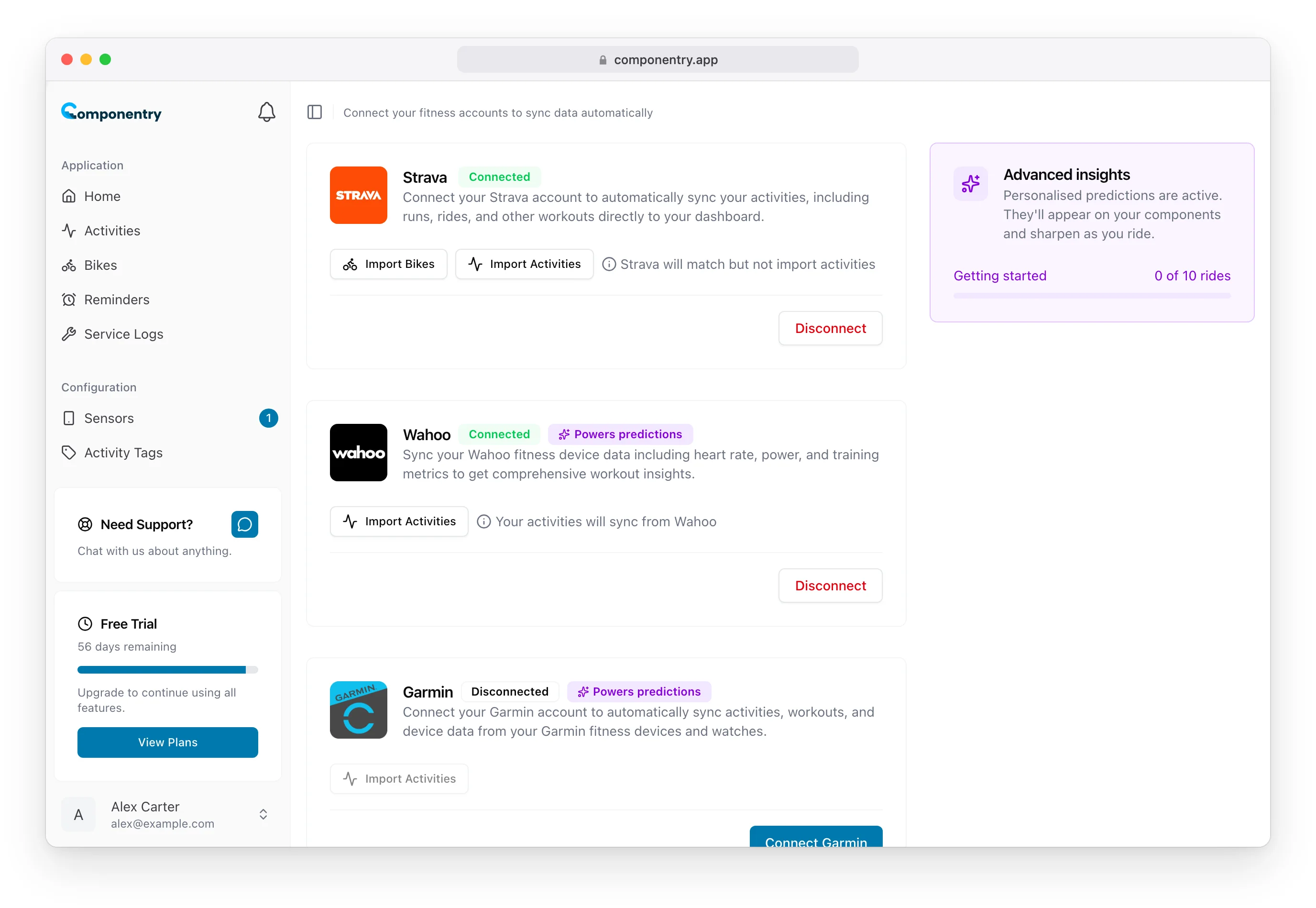
Bikes you imported from Strava on the Apps page are already linked: each comes with a Virtual sensor tied to its Strava bike.
What happens on each ride
- Your head-unit app sends the ride to Componentry.
- Componentry matches it to the bike paired with the sensor and adds wear to that bike's components.
- Componentry finds the same ride on Strava by its start time and distance, ignoring runs, walks or swims uploaded around the same time, and sets the linked bike on it.
If your Strava sign-in has lapsed when a ride comes in, Componentry refreshes it and still sets the bike.
For a ride that's already in Componentry, Pair Strava activity in the ride's details links it to its Strava copy and sets the bike on Strava in the same way.
Troubleshooting
The ride matched in Componentry but Strava wasn't updated. Check the sensor's card shows a Strava Bike, not only Paired Gear, and that Strava is still connected on the Apps page.
The ride didn't match a bike at all. Check a sensor on that ride is paired with a bike, and that the ride appears in Activities from your head-unit app.
The wrong Strava bike showed up. The sensor is linked to the wrong Strava bike, or it's on a different bike from the one it's paired with. Fix the link or pairing on the Sensors page.
The mobile app has the same Strava option when you edit a sensor under Settings → Sensors.